
What Is a POS System? Meaning, Benefits and How It Works
Running a shop involves more than selling products. You also need to manage billing, track inventory, record expenses, and understand daily sales. A POS system brings many of these tasks together, helping you run your business more efficiently.
If you are searching for what a POS system is, you are in the right place. In this guide, we explain how POS software works, which features matter most, and how to choose the right solution for your shop in Pakistan.
What Is a POS System?
A Point of Sale (POS) system is a combination of software and hardware used to process sales and manage business transactions. For example, when a customer buys a product, the cashier can add the item, calculate the total, apply a discount, and record the payment through the system.
In addition to billing, modern POS software can manage inventory, store transaction records, and generate sales reports. As a result, shop owners can spend less time on manual calculations and more time serving customers.
What Does POS System Mean?
POS stands for Point of Sale, which refers to the place where a customer pays for goods or services. However, a modern POS system does much more than a traditional cash register.
Depending on the software, it can combine billing, stock management, customer records, and business reporting in one place. Therefore, it can be a practical tool for both small shops and growing retail businesses.
What Are the Main Parts of a POS System?
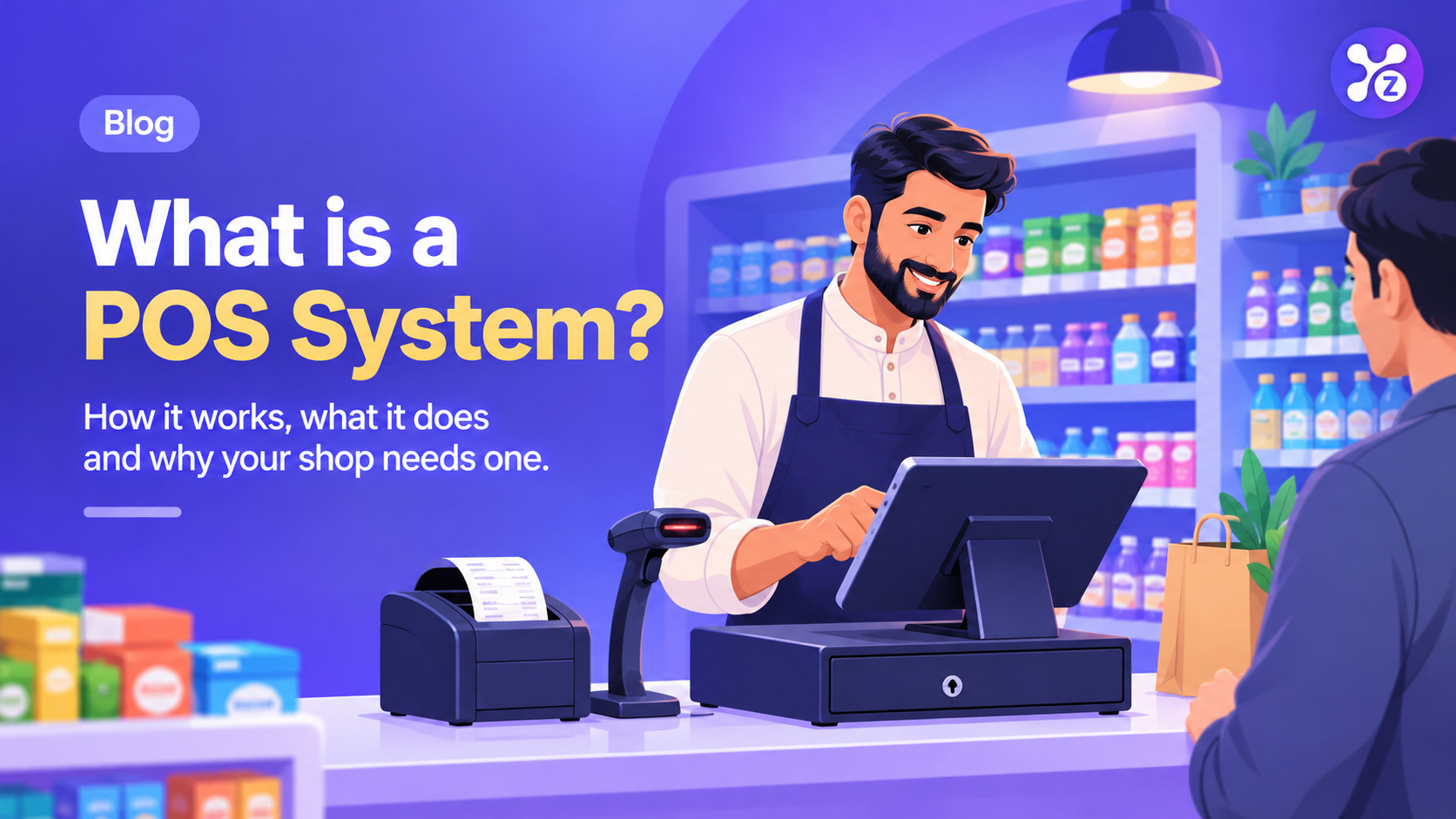
A typical POS setup includes software and a few pieces of hardware. Although the exact setup varies by business, the following components are commonly used.
1. POS Software
First, POS software manages products, transactions, billing, and reports. Depending on the solution, it may also include inventory tracking, staff permissions, customer records, and expense management.
2. Touchscreen or Computer
The screen provides an interface for selecting products and completing sales. Consequently, employees can review orders, apply discounts, and calculate totals without relying on manual calculations.
3. Barcode Scanner
A barcode scanner reads product codes and adds the corresponding items to a sale. This makes checkout faster and, in many cases, reduces errors caused by manual data entry.
4. Thermal Receipt Printer
A thermal printer produces printed receipts for customers. Alternatively, some POS systems support digital receipts, depending on their available features.
5. Cash Drawer
A cash drawer provides a designated place to store cash payments at the counter. However, it is optional if your business uses a different payment setup.
How Does a POS System Work? A Sale in 5 Steps
Understanding how does a POS work is easier when you follow a typical customer transaction. In most retail settings, the process involves these five steps.
Step 1: Add or Scan Products
To begin, the cashier selects products on the screen or scans their barcodes. The system then retrieves the available product information and prices.
Step 2: Calculate the Total
Next, the POS calculates the bill using the selected products and quantities. It can also apply configured discounts and taxes where supported.
Step 3: Record the Payment
Once the customer confirms the purchase, the cashier records the payment method. For instance, the transaction may be paid in cash, by card, or through another supported payment option.
Step 4: Complete the Sale
After payment is recorded, the system saves the transaction and can generate a receipt. If inventory management is enabled and connected to sales, the available stock is updated as well.
Step 5: Review Sales Reports
Finally, the shop owner can review recorded transactions and available reports. These insights help track sales performance, monitor stock movement, and understand business activity over time.
What Can a POS System Do That a Notebook Cannot?
A notebook can record sales, but manual recordkeeping becomes harder as a business grows. For example, calculating totals, checking remaining stock, and preparing monthly reports can take considerable time.
By contrast, a POS system can automate many routine tasks. It also keeps information organized, making it easier to find records when needed.
- Record sales digitally and search transaction history.
- Track stock levels when inventory management is enabled.
- Reduce manual calculation and data-entry errors.
- Generate daily, weekly, and monthly sales reports.
- Manage product prices, discounts, and customer records.
- Review staff activity through supported permissions and reports.
Nevertheless, the available features depend on the software and subscription plan. To maintain reliable records, businesses should also use secure access, regular backups, and accurate data entry.
Who Needs a POS System?
A POS system is not just for large supermarkets. In fact, many small and medium-sized businesses can benefit from organized billing and digital records.
- Grocery stores: Manage everyday sales and monitor stock levels.
- Clothing shops: Organize product variations, prices, and transactions.
- Restaurants and cafés: Process customer orders and record payments.
- Electronics stores: Maintain product records and sales history.
- Pharmacies: Support retail operations, subject to specific regulatory and inventory requirements.
- Growing businesses: Organize billing and reporting as transaction volumes increase.
Ultimately, the right solution depends on your business needs, budget, and daily workflow.
How to Choose POS Software for Shops in Pakistan
Choosing POS software for shops in Pakistan requires more than comparing prices. Instead, consider how the system will support your everyday operations and future growth.
Check Billing and Inventory Features
Start by checking whether the software makes billing simple and supports the inventory features you need. For example, low-stock alerts and product variations may be useful for businesses with many items.
Review Reports and Security
In addition to sales reports, look for secure staff accounts and suitable access permissions. These features help you organize business information and control who can view or change records.
Confirm Internet and Offline Support
Some POS systems require an active internet connection, while others support offline billing. Before choosing a solution, ask how transactions are saved offline and synchronized when the connection returns.
Check Local Requirements
For businesses that need FBR integration or specific tax features, verify the provider’s current compatibility and the requirements applicable to your business. Do not assume that every POS system automatically provides regulatory compliance.
Compare Pricing and Customer Support
Finally, compare subscription fees, setup assistance, compatible hardware, and available customer support. A suitable POS system should meet your needs without adding unnecessary costs.
How to Get Started With a POS System
Getting started is straightforward when you prepare your business information in advance. Follow these steps to set up your system properly.
- Identify your billing, inventory, and reporting requirements.
- Choose a POS solution that matches your business needs.
- Set up compatible hardware, if required.
- Add products, prices, opening stock, and relevant tax settings.
- Create staff accounts and assign appropriate permissions.
- Test sample transactions before processing everyday sales.
Once the setup is complete, review your records regularly. This helps you identify missing information and keep your business data accurate.
Frequently Asked Questions About POS Systems
Is a POS system only for big stores?
No. Small shops, boutiques, cafés, and growing businesses can also use POS software. The key is to choose a plan that fits your budget and provides the features you actually need.
Do I need internet to use a POS system?
It depends on the software. Some systems support offline billing, whereas others require an internet connection for essential operations. Therefore, confirm the offline features and data synchronization process before subscribing.
Is POS software useful for shops in Pakistan?
Yes. POS software can help Pakistani shop owners organize billing, stock records, and sales reporting. However, businesses with specific FBR or tax integration requirements should verify the provider’s current capabilities.
Can a POS system calculate daily profit?
Some POS systems provide profit estimates based on recorded sales and product costs. However, accurate profit calculations also require consideration of expenses, returns, taxes, and other relevant costs. Remember that sales revenue alone is not the same as profit.
Manage Your Shop More Easily With Zollva
Managing a business becomes easier when billing, products, and sales records are organized in one place. With the right POS solution, you can reduce manual work and focus more on your customers.
Explore Zollva to learn about its available business management features. If you want to see whether the platform suits your needs, book a free demo and explore the available options.