Inventory Management Software: How to Stop Stockouts and Overstock

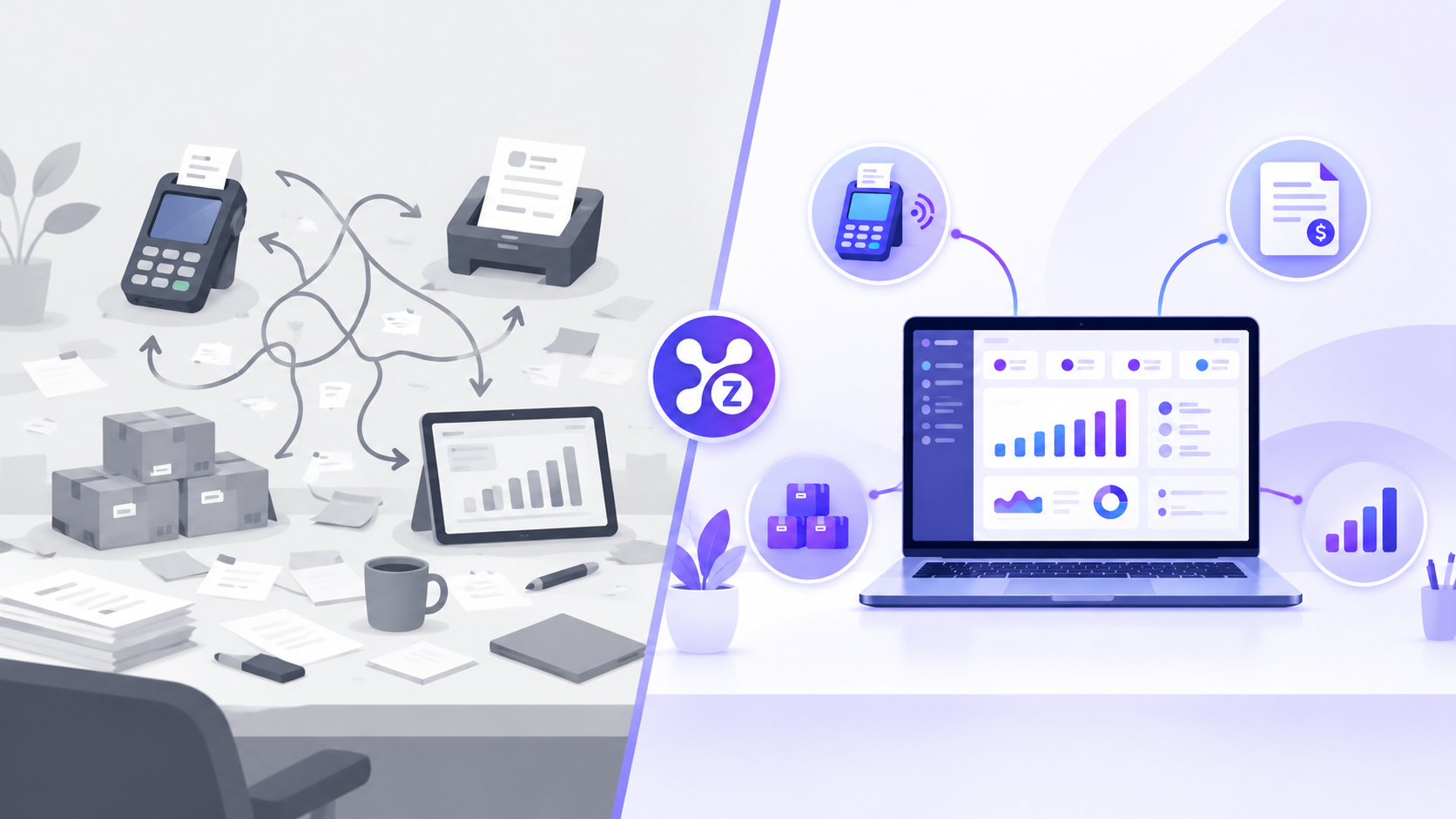
Inventory management software tracks what you have, what you sell and what you need to reorder, in real time. When it is connected to your POS, every sale updates stock automatically, which prevents both stockouts and overstocking.
Running out of your best seller loses sales. Sitting on slow movers ties up cash. Both problems usually come from one cause: inventory data that is out of date.
Why manual inventory tracking fails
- Counts are taken weekly or monthly, so they are always behind.
- Sales and stock live in different places.
- Nobody notices low stock until a customer asks.
- Staff record changes differently, so records drift.
What inventory management software does
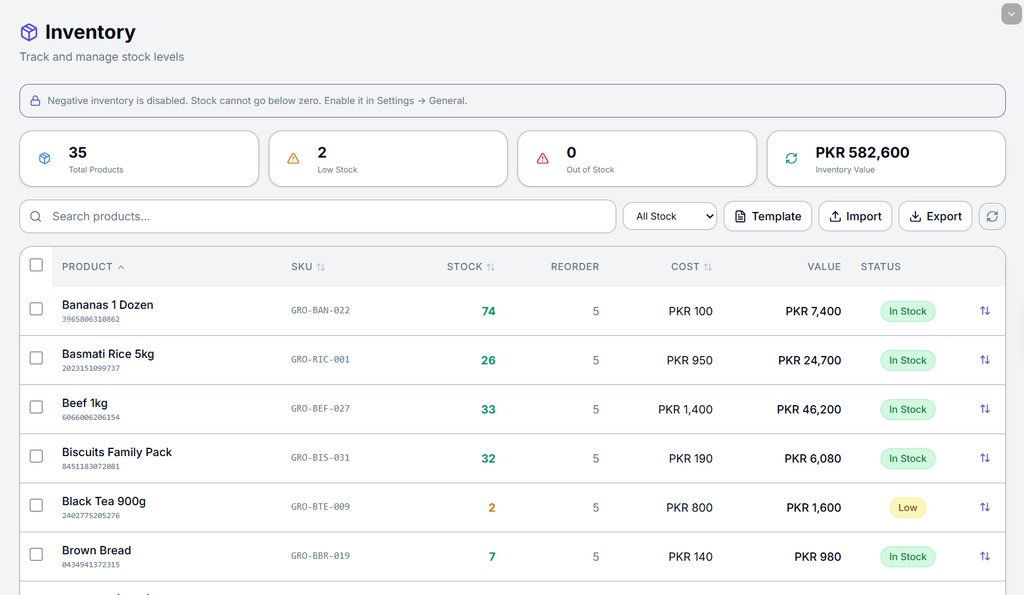
- Tracks stock levels live. Each sale reduces quantity instantly.
- Flags low stock. You see what to reorder before it runs out.
- Shows what sells. Identify best sellers and dead stock.
- Reduces errors. Fewer manual entries means fewer mistakes.
How to set up inventory tracking: step by step
- List your products. Add names, categories, prices and current quantities.
- Set reorder levels. Decide the minimum quantity per item that triggers a reorder.
- Connect sales. Link inventory to your POS so each sale deducts stock automatically.
- Review weekly. Check low-stock and slow-moving reports.
- Count occasionally. Run a physical count to confirm the system matches the shelf.
Inventory metrics worth watching
- Stock on hand: Current quantity per item.
- Sell-through rate: How quickly stock sells compared with how much you received.
- Days of stock left: How long current stock lasts at recent sales speed.
- Dead stock: Items that haven’t sold in a long time.
Why POS and inventory should be connected
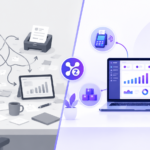
If your POS and inventory are separate, you update stock by hand after every sale, or more likely you don’t. A connected system means the sale and the stock change happen together, so the number you see is the number you have.
Where Zollva helps
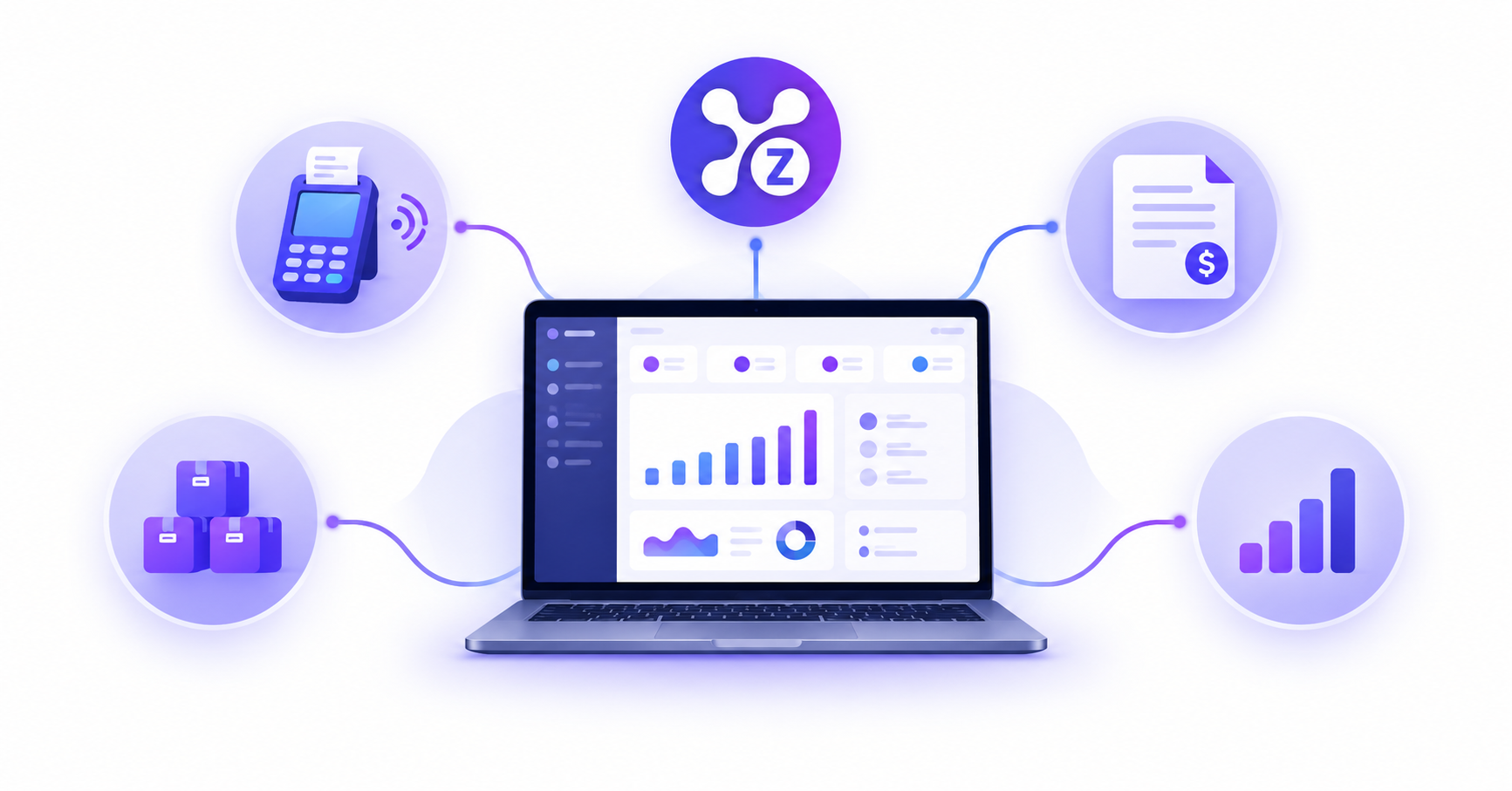
Zollva combines POS, invoicing, inventory and analytics in one dashboard, so a sale automatically updates stock and reporting.
See how it works: Explore Zolva. For a broader overview, read our guide to all-in-one business software and our POS system buying checklist.
FAQ
What is inventory management software? It is a tool that tracks stock quantities, sales and reorder needs so you always know what you have.
How does inventory software connect to a POS? Each POS sale automatically deducts the item from stock, so no manual updates are needed.
Do small businesses need inventory software? Yes. Even a small shop loses sales to stockouts and loses cash to overstock when tracking is manual.
How often should I count inventory? With real-time tracking, an occasional physical count is enough to verify accuracy. Frequency depends on your product type and volume.

Pingback: POS System for Small Business: 9-Point Buyer's Checklist
Pingback: Cloud POS Software: Features, Benefits & How It Works
Pingback: Retail POS System: 7 Features to Compare Before Buying
Pingback: Restaurant POS System: Features for Cafés & Restaurants
Pingback: POS Inventory Management: Tips to Keep Stock Accurate