POS System for Small Business: A 9-Point Checklist Before You Buy

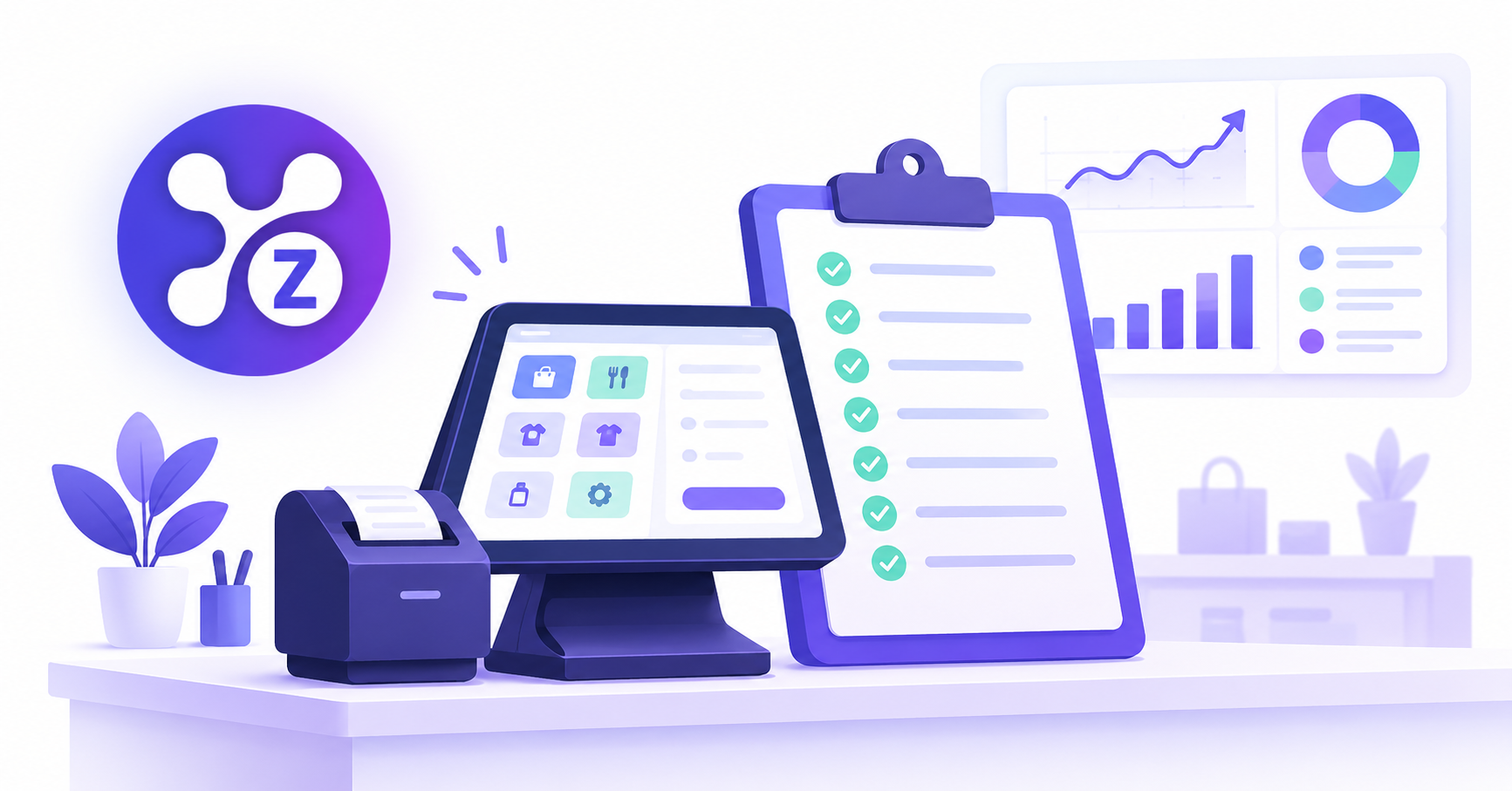
The best POS system for a small business is one that is easy for staff to use, updates inventory automatically after each sale, handles invoicing, shows clear reports and can grow with you. Use the 9 points below to compare options.
A POS (point of sale) system is where every sale happens, so a poor choice slows your queue, your stock counts and your reporting. Here is what to check before you commit.
1. Is it easy to learn?
Staff should be able to ring up a sale after a short walkthrough. If training takes days, you will lose time and make mistakes at the counter.
2. Does it update inventory automatically?
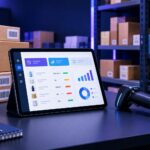
Each sale should reduce stock instantly. If you still adjust stock by hand, you are paying for a cash register, not a business system.
3. Can it create invoices?
Many businesses sell at the counter and also bill customers later. A POS that also issues professional invoices saves you from a second tool.
4. Does it show useful reports?
Look for daily sales, best sellers, low stock and outstanding payments in one place, not exports you must clean in a spreadsheet.
5. Does it support the payment methods you accept?
Check cash, card and any local or digital payment methods your customers use. [ADD: methods Zollva supports.]
6. Does it work for more than one staff member?
You may need separate logins, so you can see who made which sale and limit what each person can change.
7. Can it grow with you?
Ask about adding products, staff and a second location. Switching systems later is costly.
8. Is the pricing clear?
Look for transparent monthly pricing and no surprise fees. [ADD: link to Zollva pricing.]
9. Is support easy to reach?
When something breaks during a busy hour, you need fast, human help.
Quick scorecard
Give each point 0 to 2. A score of 15 or more means the system fits well. Below 10, keep looking.
Where Zollva fits
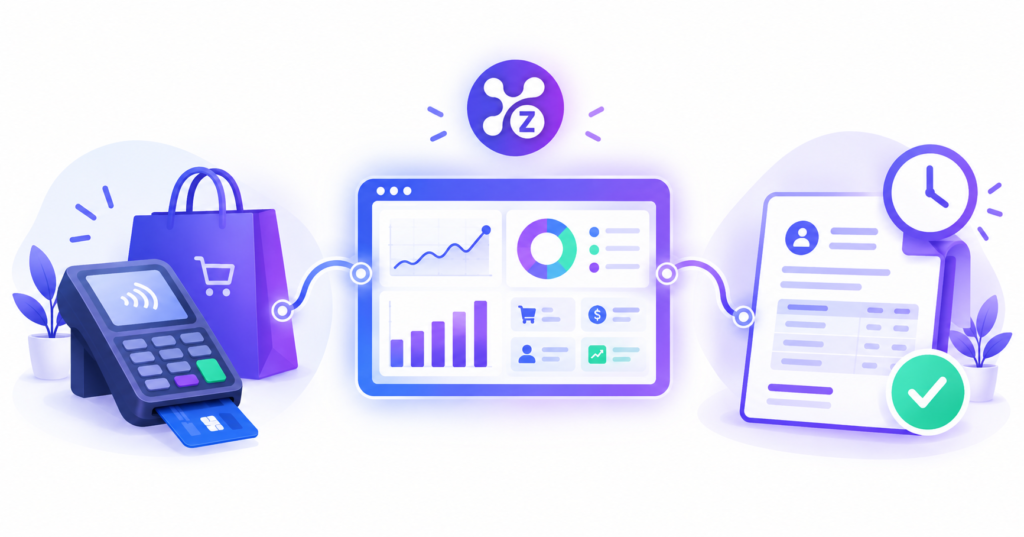
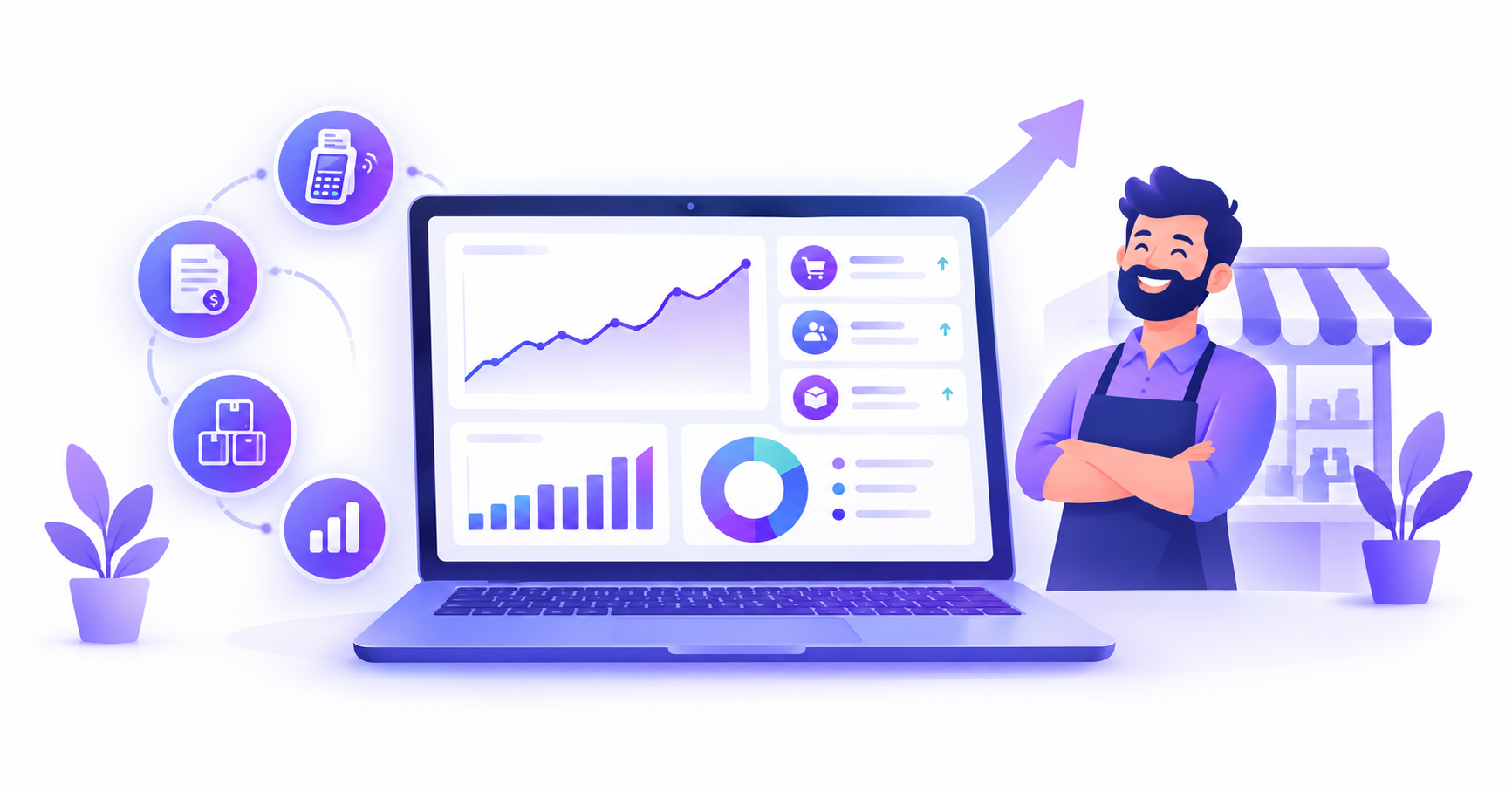
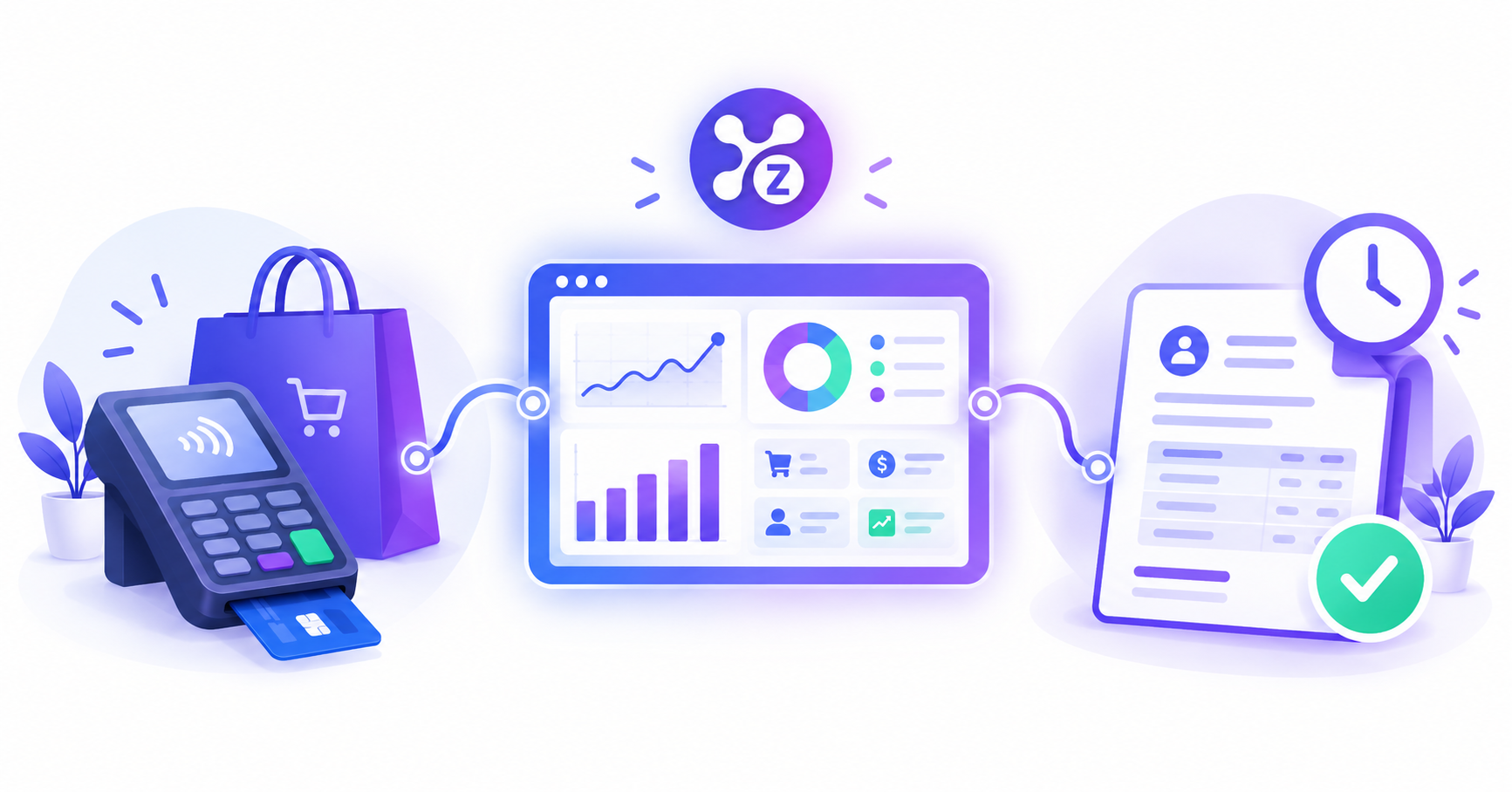
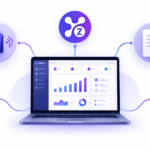
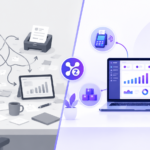
Zollva combines POS, invoicing, inventory and analytics in one dashboard, so the points above are covered in a single platform.
Related reads: All-in-One Business Software and Inventory Management Software Guide.
See how it works: Explore Zollva
FAQ
What is a POS system? A point of sale (POS) system processes sales and payments and records each transaction. Modern systems also track inventory, issue receipts and produce reports.
What features should a small business POS have? Fast checkout, automatic inventory updates, invoicing, reports, multiple payment methods and staff accounts.
Do I need inventory management in my POS? Yes, if you sell physical products. Connected inventory prevents stockouts and overstock.
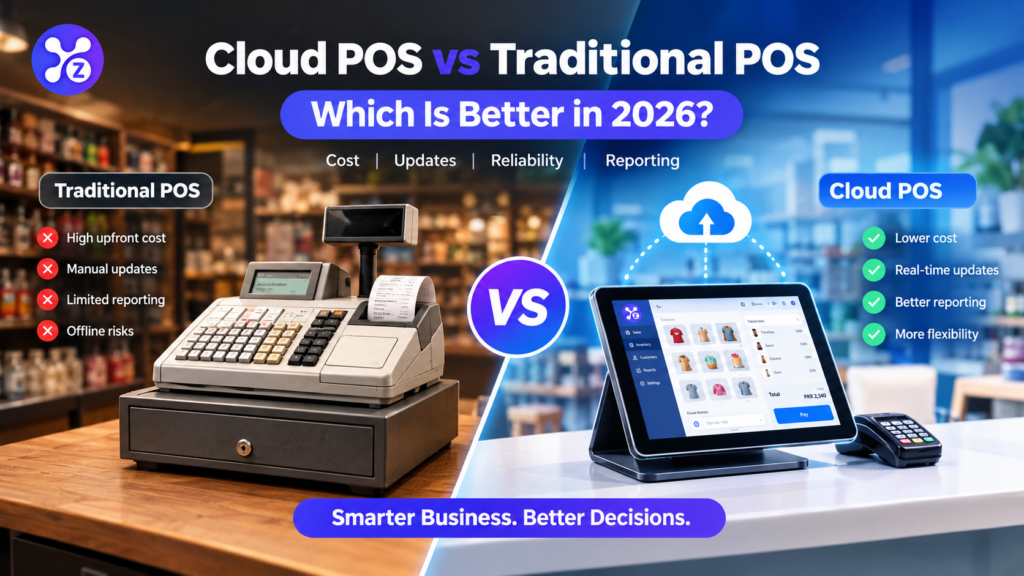
Is a POS better than a cash register? For most businesses, yes. A POS records data you can use for stock, reporting and decisions, while a cash register only takes payments.

Pingback: POS vs Invoicing Software: Which Does Your Business Need?
Pingback: All-in-One Business Software: POS, Invoicing & Inventory
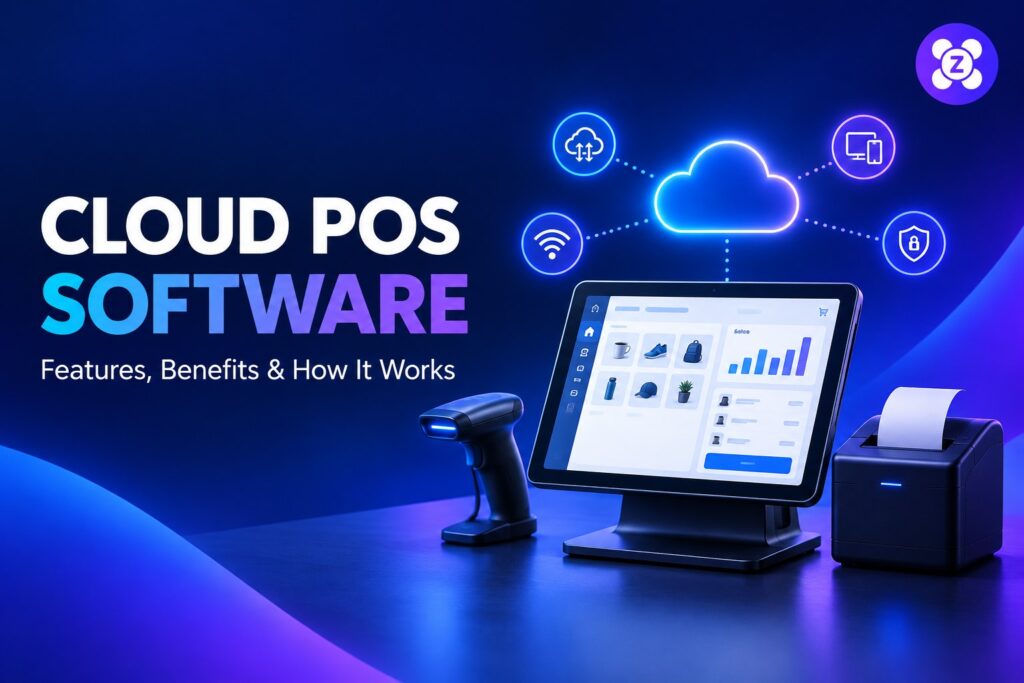
Pingback: Cloud POS Software: Features, Benefits & How It Works
Pingback: Restaurant POS System: Features for Cafés & Restaurants
Pingback: Retail POS System: 7 Features to Compare Before Buying
Pingback: POS Inventory Management: Tips to Keep Stock Accurate