
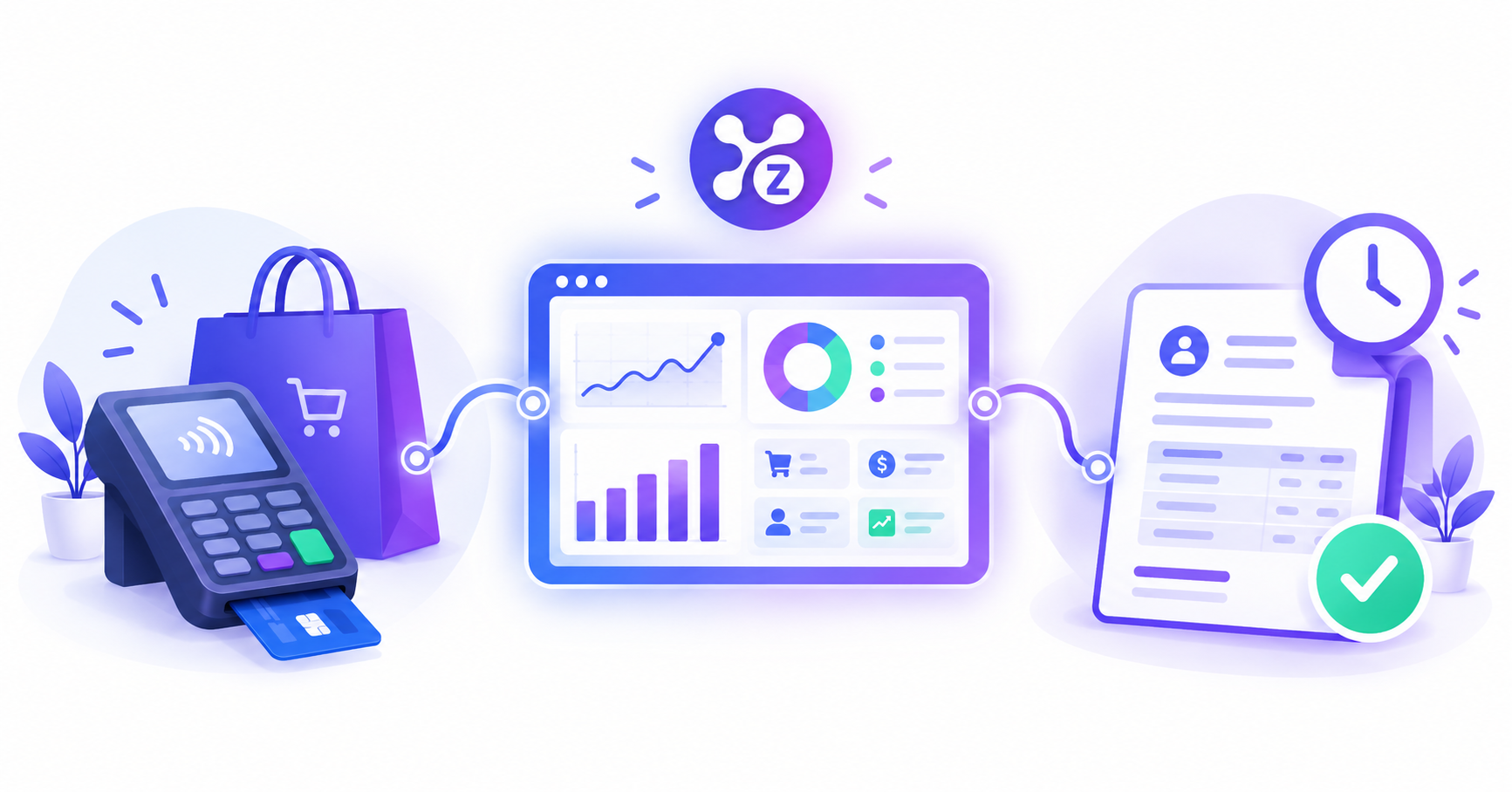
POS software handles instant, in-person sales and payments. Invoicing software handles billing customers who pay later. If you do both, choose a platform that combines them, so stock, sales and payments stay in sync.
What is POS software?
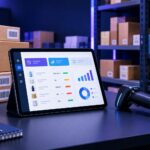
POS (point of sale) software records sales at the moment of purchase. The customer pays on the spot, and you issue a receipt. Good POS tools also update inventory and show daily sales.
Best for: shops, restaurants, cafes, salons and any business with walk-in customers.
What is invoicing software?
Invoicing software creates bills you send to customers who pay later. It tracks what you are owed, what is paid and what is overdue.
Best for: wholesalers, service businesses, freelancers and anyone who sells on credit or in bulk.
POS vs invoicing: side-by-side
| POS | Invoicing | |
|---|---|---|
| Payment timing | Instant | Later |
| Main job | Fast checkout | Getting paid and tracking balances |
| Document | Receipt | Invoice |
| Typical user | Retail, food, salon | B2B, services, wholesale |
| Tracks stock? | Often | Sometimes |
When do you need both?
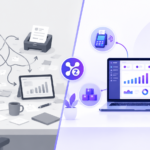
Many businesses sell both ways. A shop may serve walk-in customers at the counter and bill regular business clients monthly. If that sounds like you, running two separate tools creates problems:
- Stock is reduced in one place but not the other.
- Revenue is split across two reports.
- You re-enter customers and products twice.
Why a combined platform helps
When POS and invoicing share one system, a product sold at the counter or on an invoice reduces the same stock. All revenue appears in one report, and customer details are entered once.
How to decide
- Only walk-in sales? Start with POS.
- Only credit or bulk sales? Start with invoicing.
- Both? Choose a platform that includes both, plus inventory and analytics.
Where Zollva fits
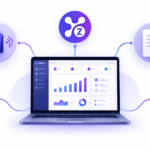
Zollva brings POS, invoicing, inventory and analytics into one dashboard, so counter sales and invoiced sales update the same stock and reports.
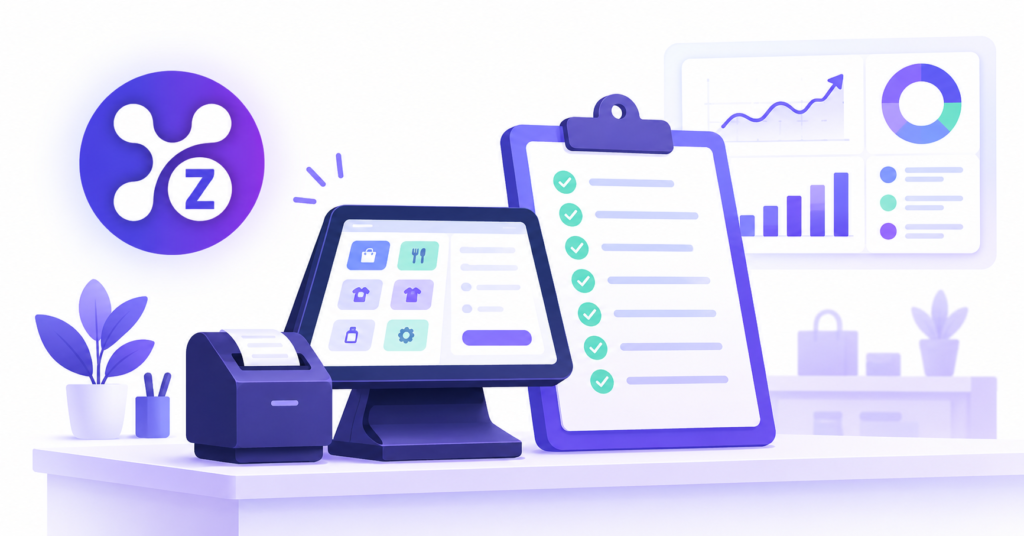
Related reads: POS System for Small Business Checklist and Small Business Analytics Dashboard.
Get started: Explore Zolva. You may also find our all-in-one business software guide and inventory management software guide useful.
FAQ
What is the difference between POS and invoicing? POS records instant, in-person payments. Invoicing bills customers who pay later and tracks the balance.
Can one software do both POS and invoicing? Yes. All-in-one platforms combine both, along with inventory and reporting.
Do small businesses need invoicing software? If you ever sell on credit or send bills, yes. It saves time and helps you get paid faster.
Is POS software enough for a service business? Usually not. Service businesses often need invoices and payment tracking, so look for POS plus invoicing.
Pingback: Restaurant POS System: Features for Cafés & Restaurants