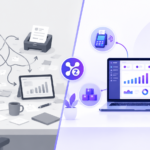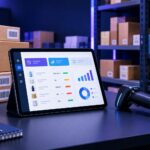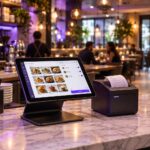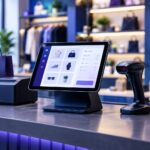

Compare seven important retail POS system features, from checkout and inventory to reporting, hardware compatibility, offline operation and pricing.
Choosing a retail POS system is about more than taking payments. The right point-of-sale software can help a shop manage checkout, products, inventory and sales reporting in a consistent workflow. Before selecting a system, list the tasks your team handles every day and compare providers against those real needs.
What Is a Retail POS System?
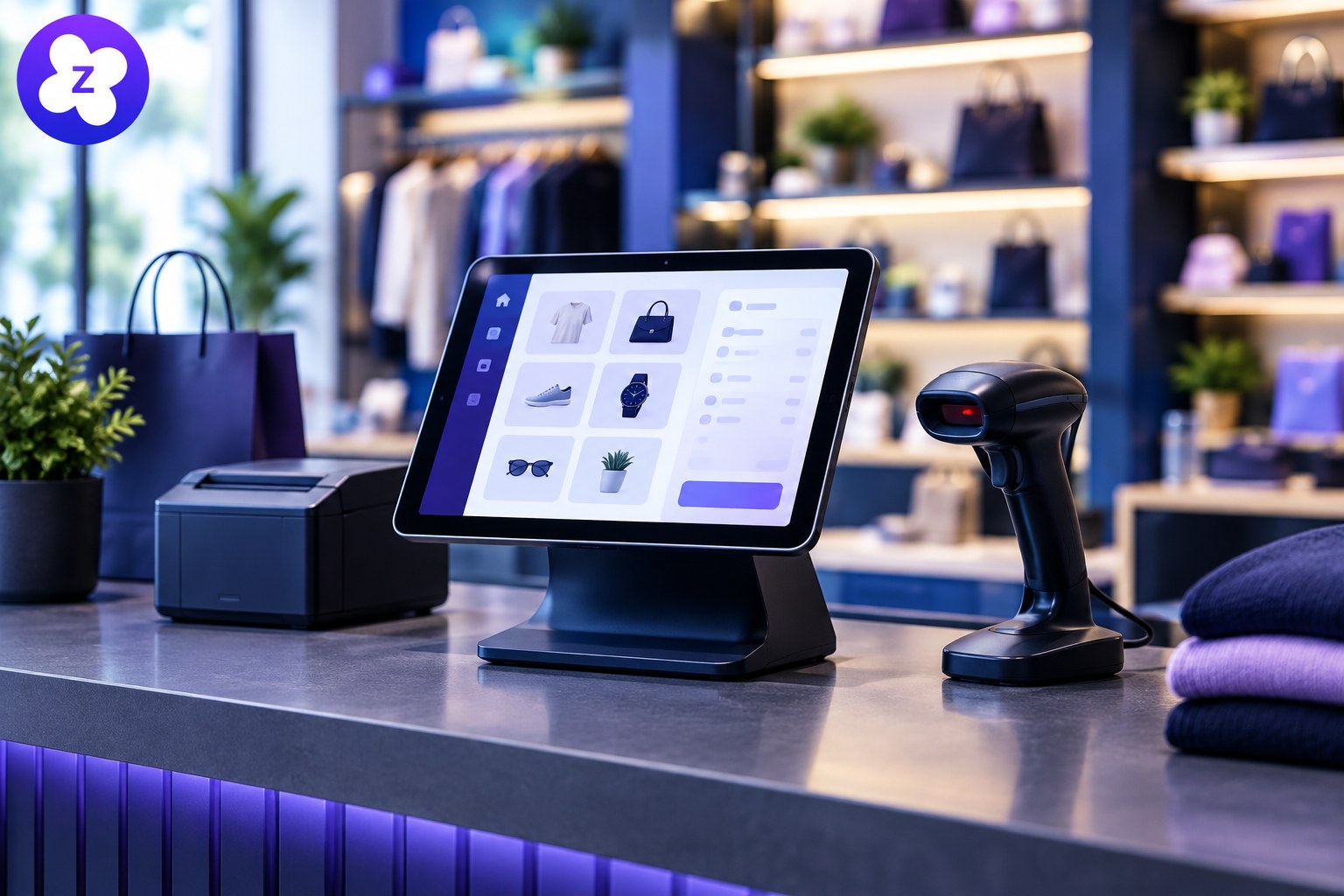
A retail POS system records sales at checkout and may connect those transactions with inventory, receipts, customer records and business reports. Modern systems vary: some are designed for a single counter, while others offer cloud access and tools for managers working across supported devices.
7 Features to Compare in a Retail POS System
1. Fast product lookup and checkout
Staff should be able to find products quickly, scan barcodes when supported, adjust quantities and complete a sale without confusing steps. Test the checkout process during a busy-period scenario, not just in a quiet demo.
2. Accurate inventory tracking
Sales should update stock records according to the system’s rules. Check support for product variants, stock adjustments, returns, damaged items and low-stock notifications. For more detail, see our guide to inventory management software.
3. Useful sales reports
Daily totals are useful, but store owners may also need sales by product, date or staff member. Review sample reports and make sure they answer the questions you use to make purchasing and staffing decisions.
4. Staff accounts and permissions
Individual logins and suitable permissions can help limit access to sensitive actions, such as refunds, discounts or settings. Ask whether the roles you need are included in your chosen plan.
5. Hardware compatibility
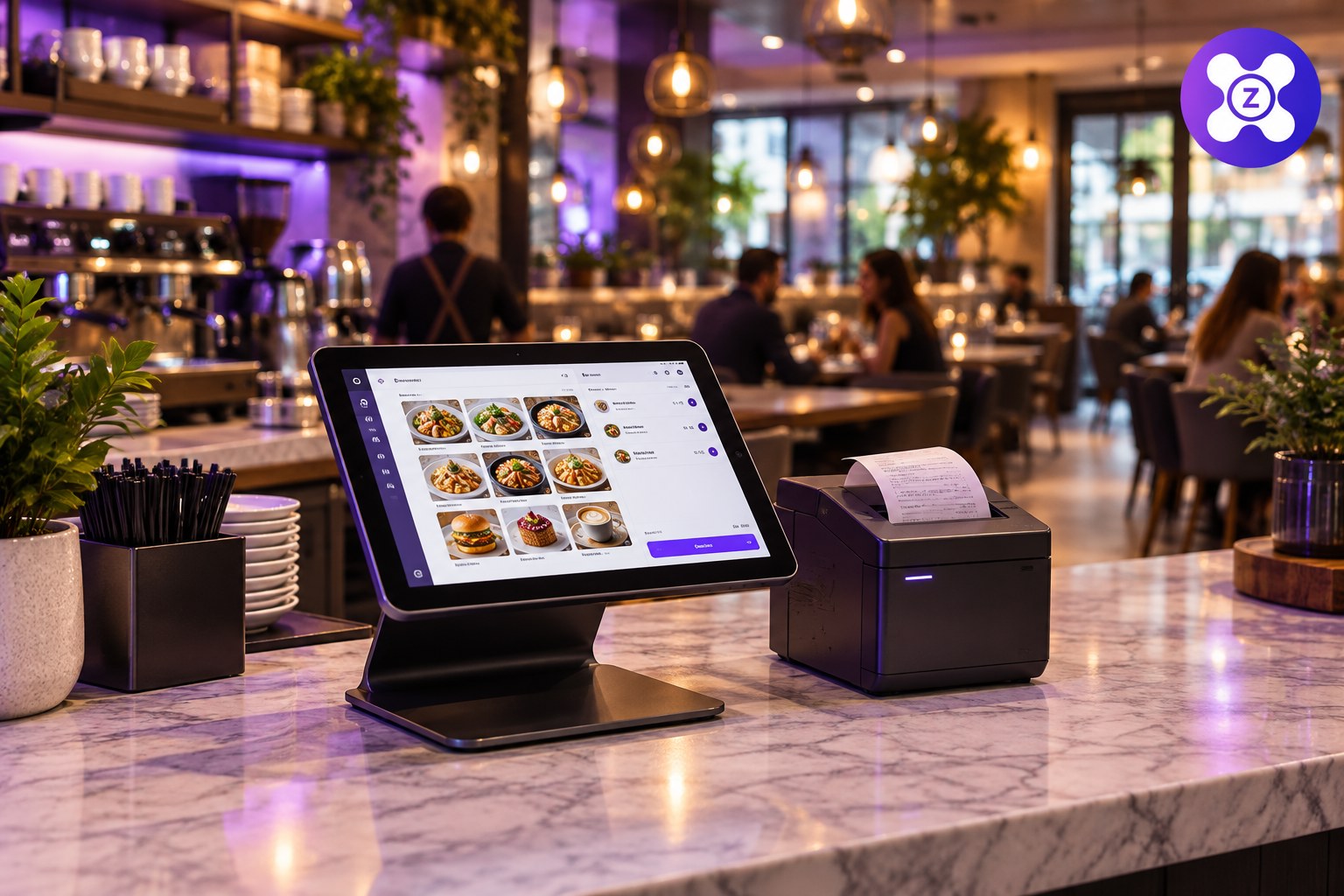
Confirm compatibility with your existing computer or tablet, barcode scanner, receipt printer, cash drawer and other equipment. Check the exact models before purchasing hardware.
6. Connectivity and offline behavior
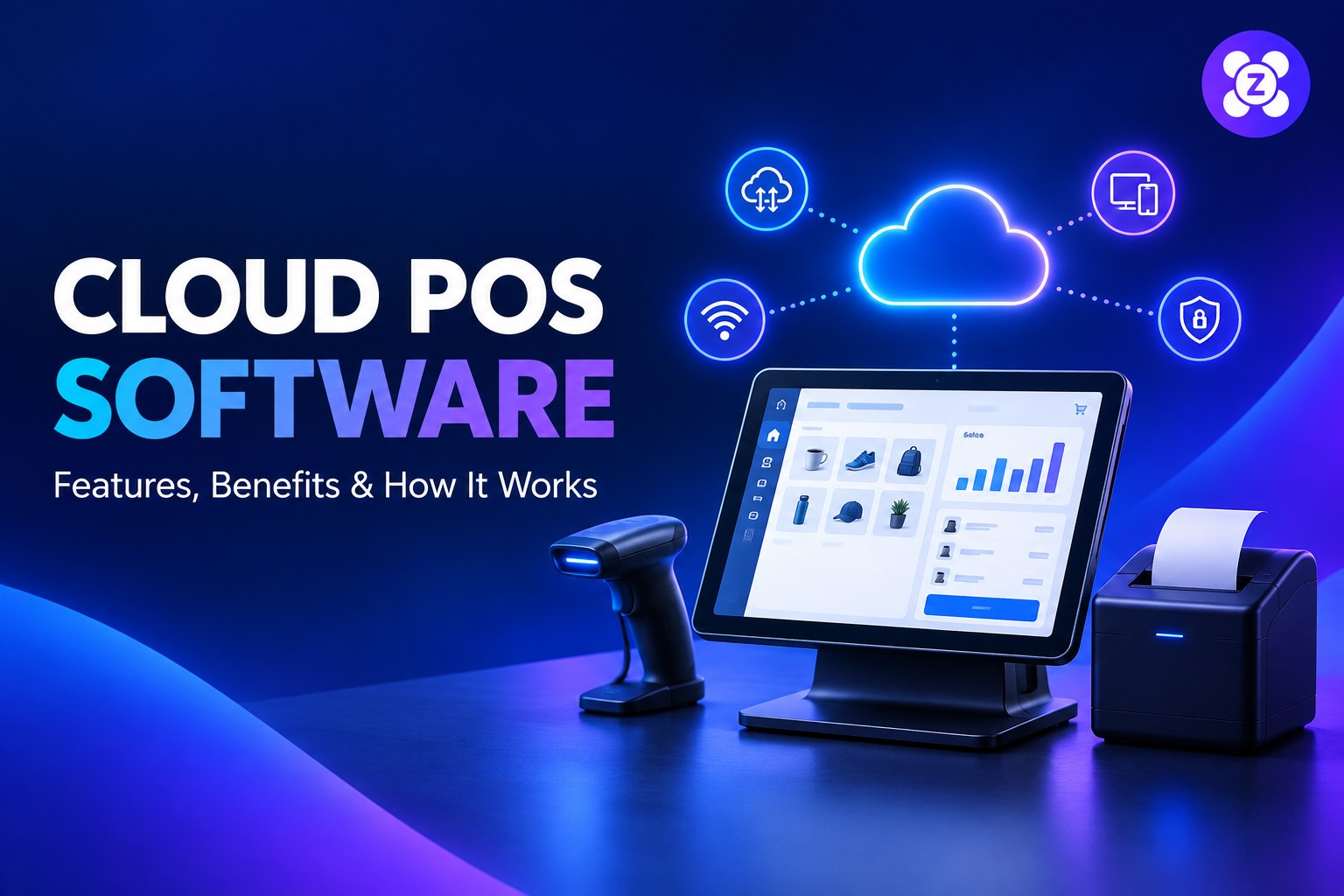
Cloud-based products often need internet access for cloud features, but offline support differs by provider. Ask what can continue during an outage, how transactions are stored, and when data synchronizes after reconnection.
7. Clear pricing and support
Compare subscriptions, payment processing charges, hardware, setup, training and support. Ask how to export your data if you switch providers and what help is available when checkout is unavailable.
Retail POS Checklist Before You Buy
- Run a typical sale and a refund in the demo.
- Test barcode scanning and receipt printing with your hardware.
- Check how sales affect inventory records.
- Review permissions and reporting.
- Confirm offline limitations, backup practices and data export.
- Calculate the full cost rather than comparing subscription prices alone.
Our POS system buying checklist offers another way to compare options before you commit.
Is a Cloud Retail POS Right for Your Store?
A cloud POS may suit retailers who want connected records and access to supported reports from more than one device. A locally focused system may suit a different workflow. The best choice depends on the features, reliability, hardware and total cost your store needs.
Explore Zolva’s main website to review its available business software and determine whether it fits your retail workflow. Confirm current features and trial terms on the website before making a decision.
Frequently Asked Questions
Can a retail POS system track inventory?
Many retail POS systems include inventory features, but depth varies. Confirm support for variants, returns, adjustments and low-stock reporting.
Does a retail POS work without internet?
Some systems support selected offline actions, while others rely on a connection for important functions. Verify the exact offline behavior with the provider.
How do I choose a POS for a small shop?
Start with your must-have checkout, stock, reporting and hardware requirements, then test those tasks in a demo and compare total costs.
Final Takeaway
A suitable retail POS system should make checkout reliable and give you records you can trust. Use a practical checklist, test real store workflows and confirm the provider’s limitations before choosing.