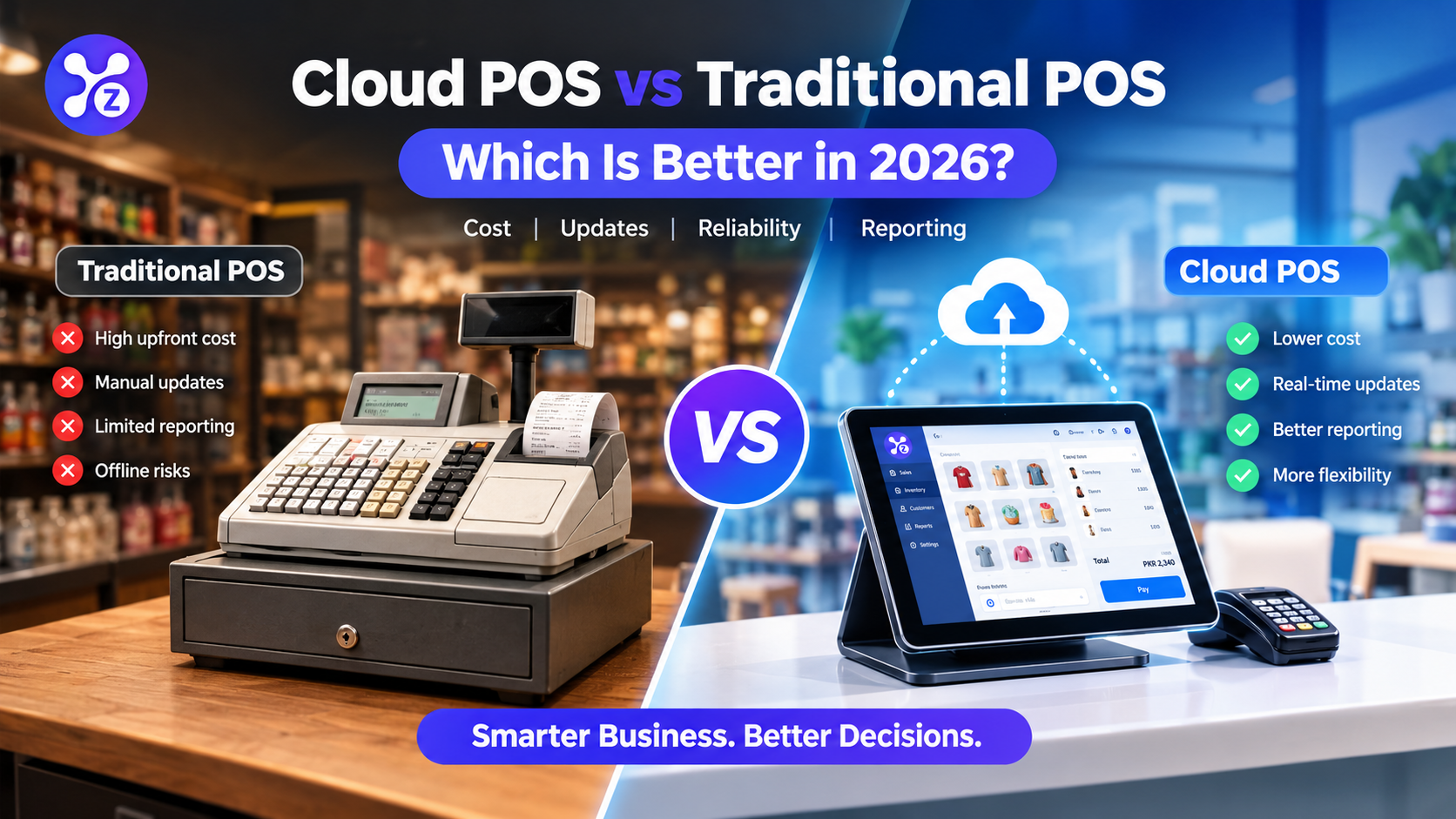
Cloud POS vs Traditional POS: Which Is Better in 2026?

Choosing the right point-of-sale system can make a real difference in how you run your business. From processing sales and tracking inventory to managing employees and reviewing profits, your POS system can influence your daily operations more than you might expect.
For many business owners, the decision comes down to two options: a cloud POS or a traditional POS.
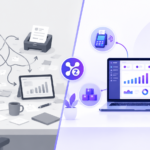
Both systems can help businesses process transactions, manage products, and keep sales records. However, they differ in how they store information, receive updates, handle reporting, and support business growth.
So, when comparing cloud POS vs traditional POS, which option makes more sense in 2026?
For most growing small businesses, a cloud POS offers greater flexibility, easier access to business information, and more convenient reporting. Traditional POS systems can still be useful for businesses with specific local infrastructure or offline requirements.
In this guide, we will compare both options, explain their costs and limitations, and help you decide which POS system is right for your business.
Quick Answer: Cloud POS vs Traditional POS
A cloud POS is generally the better choice for businesses that want flexible access, connected inventory management, automatic software updates, and centralized reporting.
A traditional POS may be suitable for businesses that prefer locally installed software, already own compatible hardware, or need a system built around local infrastructure.
Here is a quick comparison:
- Cost: Cloud POS often has lower initial software and infrastructure costs, although subscription fees can accumulate over time.
- Setup: Cloud POS is generally easier to deploy, while traditional systems may require more installation and configuration.
- Updates: Cloud platforms typically simplify software updates.
- Reporting: Cloud POS systems commonly offer centralized dashboards and more convenient access to business reports.
- Offline operation: Traditional systems may be less dependent on internet connectivity, but cloud POS offline capabilities vary by provider.
- Scalability: Cloud POS is often easier to manage as a business adds products, employees, or locations.
If you want to manage sales, inventory, customers, staff, and reports from one platform, explore Zolva POS software.
What Is a Cloud POS System?
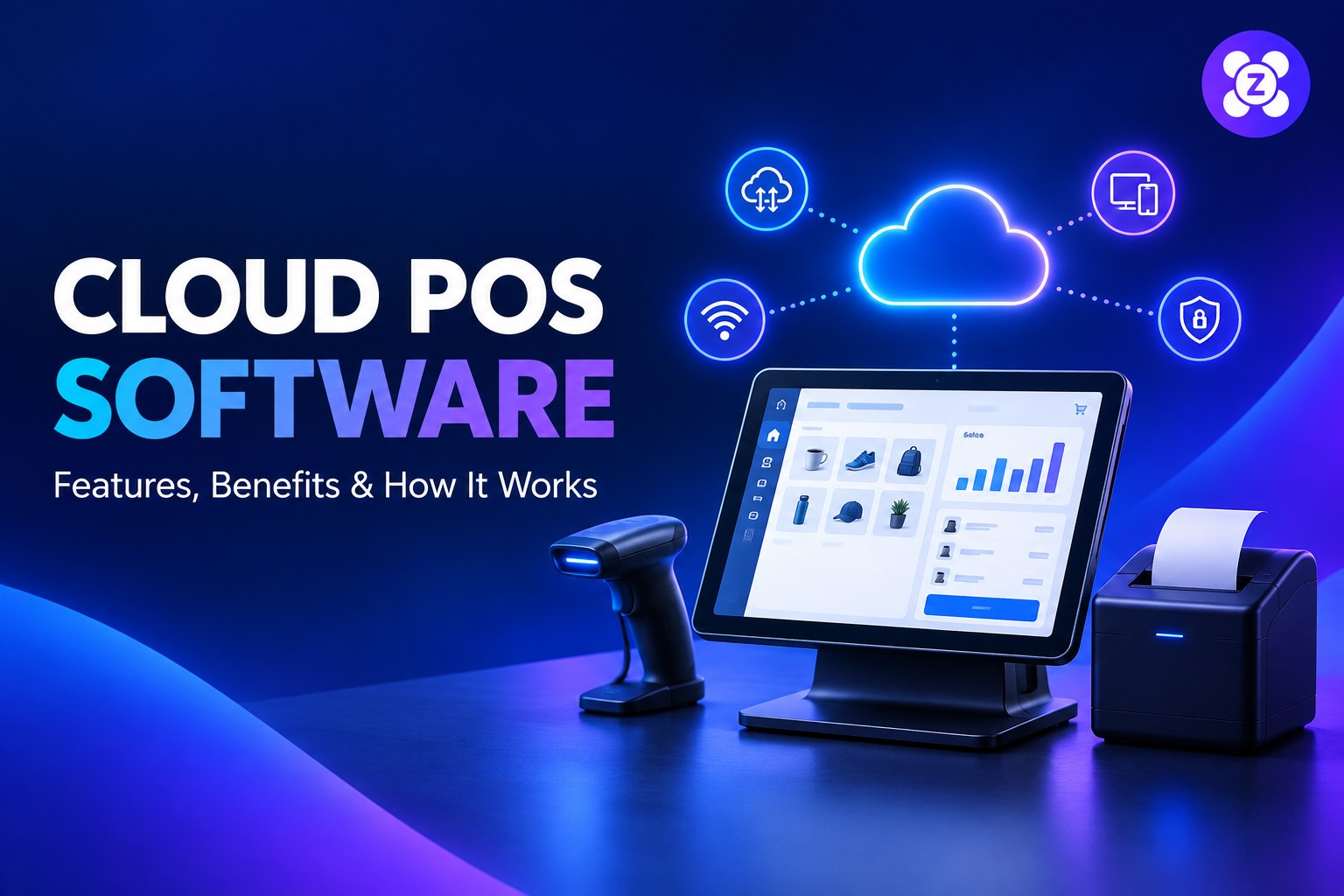
A cloud POS system is a point-of-sale solution that uses cloud technology to store, process, or synchronize business information.
Instead of keeping all your business operations tied to a single computer, a cloud-based POS can connect your sales, inventory, customer records, and reports through an online platform.
Depending on the system, authorized users can access business information from supported devices without being physically present at the checkout counter.
Imagine running a retail store. You are away from the shop, but you want to check today’s sales, identify low-stock products, or review how your team is performing.
With a cloud POS that supports remote access, you can check this information without returning to the store.
Key Features of a Cloud POS
A modern cloud POS may include:
- Sales processing and digital receipts
- Inventory tracking and low-stock alerts
- Customer profiles and purchase history
- Employee accounts and permissions
- Sales reports and business analytics
- Barcode scanning and product management
- Supplier and purchase management
- Multi-location reporting
- Online synchronization and supported offline functionality
The exact features depend on the provider and subscription plan.
For businesses that want to reduce manual work and keep important information connected, cloud POS software can simplify everyday operations.
What Is a Traditional POS System?
A traditional POS system typically relies more heavily on locally installed software, dedicated hardware, or an on-site server.
These systems have been used by retailers, supermarkets, restaurants, and other businesses for many years. They can be effective for straightforward operations, particularly when the business already has compatible equipment and a familiar workflow.
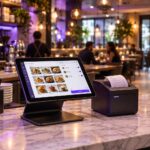
A traditional POS may include a computer or terminal, barcode scanner, receipt printer, cash drawer, and locally installed software.
Depending on its configuration, it may continue operating without an internet connection because core functions are handled locally.
Common Features of a Traditional POS
A conventional POS system may support:
- Checkout and transaction processing
- Receipt printing
- Barcode scanning
- Cash drawer management
- Local sales records
- Product and stock management
- Basic sales reporting
However, some traditional systems also offer cloud connectivity, remote reporting, and automatic updates. The difference is not always black and white: many modern POS products combine local and cloud-based technology.
The important question is how the system works in your business and whether it provides the features you need.
Cloud POS vs Traditional POS: Comparison Table
The following table highlights the typical differences between the two approaches.
| Feature | Cloud POS | Traditional POS |
|---|---|---|
| Initial investment | Often lower infrastructure costs | May require more upfront hardware and installation |
| Pricing | Commonly subscription-based | May use licenses, subscriptions, or maintenance contracts |
| Installation | Often quicker to set up | May require local installation and configuration |
| Software updates | Usually managed by the provider | May require manual updates |
| Business reporting | Centralized, often real-time dashboards | Depends on the software and local setup |
| Inventory management | Online synchronization is commonly available | May rely more on local records |
| Remote access | Available with supported plans and devices | May require additional configuration |
| Multi-location management | Often easier to centralize | May require additional infrastructure |
| Internet requirements | Vary by provider and feature | Core local functions may work offline |
| Maintenance | Provider manages much of the cloud infrastructure | More responsibility may fall on the business or IT provider |
| Scalability | Often easier to expand | Expansion may require additional hardware or configuration |
| Data security | Depends on provider security and account controls | Depends on local security, backups, and system configuration |
Neither option automatically wins in every category. Your final decision should depend on the features, costs, and reliability of the specific POS systems you are considering.
1. Cost and Setup: Which POS Is More Affordable?
Cost is one of the first things business owners consider when choosing POS software.
However, looking only at the purchase price can be misleading. You should compare the total cost of operating the system over several years.
Cloud POS Costs
Cloud POS systems commonly use a subscription model. Depending on the provider, the package may include software access, hosting, updates, support, and selected business management features.
You may still need compatible devices, barcode scanners, receipt printers, payment terminals, or other equipment.
The main advantage is that you may not need to purchase and maintain a dedicated server or invest heavily in local infrastructure.
Traditional POS Costs
A traditional POS can involve a larger initial investment if you need dedicated terminals, local servers, software licenses, installation, and ongoing technical support.
However, a business that already owns compatible hardware may find a traditional setup cost-effective.
Which Is Better for Your Budget?
Cloud POS can be a practical starting point for small businesses that want to avoid a large initial investment.
Before choosing, compare:
- Initial setup and hardware costs
- Monthly or annual software fees
- Payment processing charges
- Maintenance and technical support
- Backup and security expenses
- Costs of adding employees or locations
A subscription is not automatically cheaper in the long run. The right decision comes from comparing the total cost against the features and time savings you receive.
2. Software Updates and Maintenance
Software needs regular updates to improve functionality, fix issues, and address security concerns.
With a traditional POS, updates may require manual installation or assistance from a technician. This depends on the product and its maintenance arrangements.
Cloud POS platforms typically make updates easier because the provider manages much of the software environment.
For a small business without a dedicated IT department, this can reduce maintenance work and make it easier to access new features.
There is also less need to coordinate software installations across individual devices when the provider manages updates centrally.
Before selecting a provider, check whether updates are included in your plan and whether they can interrupt business operations.
3. Sales Reporting and Business Analytics
A POS system should do more than record transactions. It should help you understand your business performance.
For example, knowing your total sales is useful, but understanding which products perform best, when demand increases, and where inventory is being wasted can help you make better decisions.
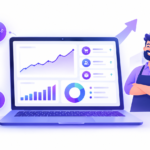
Cloud POS systems commonly offer centralized dashboards that make this information easier to access.
Depending on the software, reports may include:
- Daily, weekly, and monthly sales
- Revenue and profit margins
- Best-selling products
- Category performance
- Inventory movement
- Low-stock items
- Employee and shift summaries
- Customer activity
Consider a store owner who notices that a particular product sells quickly every weekend. With useful reporting, the owner can plan stock replenishment before demand increases.
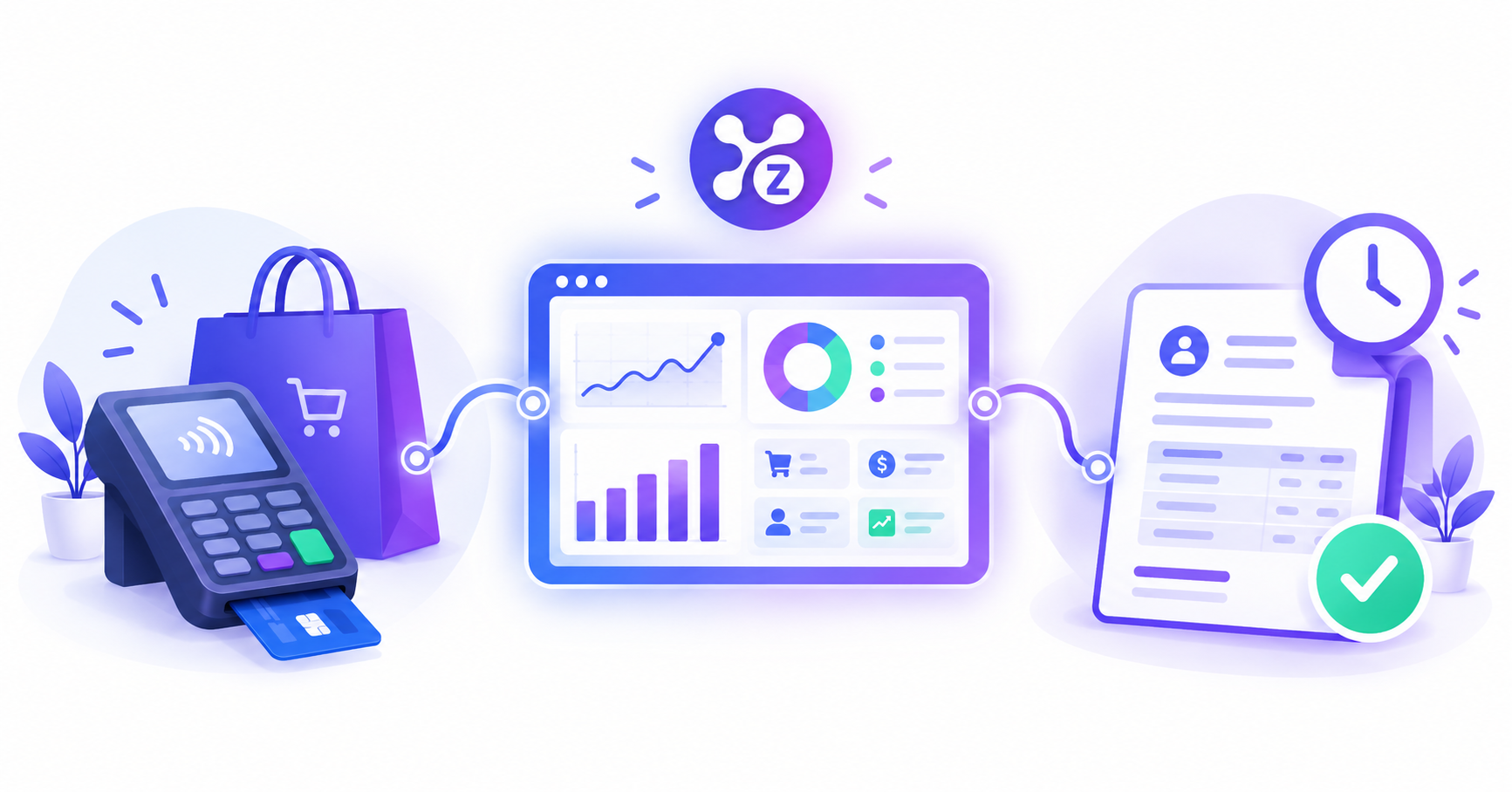
Zolva brings sales, inventory, customers, staff, billing, and reporting together in one platform. Its reporting features include sales trends, profit and margin information, category insights, and stock movement.
Learn more about Zolva’s business reporting and POS features.
4. Inventory Management: Avoid Stock Problems
Inventory management is one of the most important functions for retail businesses.
If your records show that a product is available but the shelf is empty, you may lose a sale. If you order too much stock, you could tie up money in products that are not selling.
A POS system that connects sales and inventory can help reduce these problems.
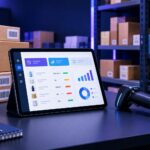
When a sale is recorded, supported systems update stock quantities automatically. Low-stock alerts can also help staff identify products that need replenishment.
Zolva includes inventory management features such as real-time stock tracking, low-stock alerts, reorder points, barcode tools, purchase orders, and supplier records.
These tools can help businesses maintain more organized inventory records and reduce dependence on separate spreadsheets.
For a business with hundreds or thousands of products, connected inventory management can save time and make daily operations easier.
5. Offline Operation and Reliability
Internet reliability is an important consideration when choosing a cloud POS.
If your connection drops during a busy period, you need to know whether your checkout can continue operating.
Some cloud POS systems provide offline functionality, allowing certain transactions to be processed locally and synchronized when the connection returns. Other systems may restrict important features while offline.
Traditional POS systems may be less dependent on the internet for locally handled transactions, although their payment processing, remote reporting, backups, and integrations can still depend on connectivity.
What Should You Check?
Before choosing a POS system, ask the provider:
- Can I continue processing sales without internet access?
- Can I print receipts while offline?
- Are stock quantities updated locally?
- How does the system synchronize transactions after reconnecting?
- Are there any restrictions on offline payments?
- What happens if the device or local network fails?
Zolva includes an offline sync feature designed to let businesses continue selling without an internet connection and synchronize later.
However, you should test the exact offline workflow you need before relying on it in a live business environment.
A reliable POS is not simply one that connects to the cloud. It is one that supports your essential operations when something goes wrong.
6. Security and Data Protection
Your POS system may hold valuable business information, including transaction histories, product data, customer records, employee accounts, and financial reports.
Security should therefore be part of your purchasing decision.
Cloud POS providers generally manage aspects of hosting and infrastructure security. Traditional POS systems place more responsibility on the local environment, depending on the product.
Neither approach is automatically secure. The quality of implementation and ongoing management matters.
Important Security Features
When evaluating a POS system, look for:
- Encryption for data in transit and at rest
- Strong authentication
- Role-based user permissions
- Secure handling of payment information
- Reliable backup and recovery procedures
- Software security updates
- Clear privacy and data retention policies
- Appropriate access controls for employees
Zolva states that it provides encryption in transit and at rest, secure access, and data management features designed to protect business information.
Business owners should also use strong passwords, restrict employee permissions, and review the provider’s security documentation.
7. Multi-Location Management and Business Growth
Managing one store is different from managing three or ten.
As a business expands, owners need to monitor sales, stock, employee activity, and performance across locations.
A cloud POS can simplify this process by centralizing supported business information in one dashboard.
For example, a business owner may want to compare the performance of two branches, identify products that need transferring between locations, or review sales without visiting each shop.
With a traditional POS, these tasks may require additional configuration, separate reporting processes, or more infrastructure. Some traditional products already provide multi-location capabilities, so compare the actual systems rather than relying only on their category.
If you expect your business to grow, choose a platform that can support additional users, products, and locations without creating unnecessary complexity.
8. Customer and Staff Management
Sales and inventory are only part of running a business.
You may also need to manage customer records, employee permissions, staff shifts, discounts, loyalty programs, and purchase history.
When these functions are spread across separate tools, employees may have to enter the same information multiple times. That can waste time and increase the risk of errors.
A POS that connects these functions can create a more consistent workflow.
Zolva includes customer management, staff and shift management, discounts, loyalty features, gift cards, billing, and receipts.
For a small business, having these functions available within one platform can reduce the need to switch between disconnected applications.
The result is a more organized way to handle routine tasks, provided the features match your business requirements.
Which POS System Is Better for Different Businesses?
The right POS depends on the type of business you operate.
Retail Stores
A cloud POS is worth considering if you manage a large product catalog, need stock alerts, use barcode scanners, or want centralized sales reports.
Traditional POS may still work well for smaller shops with straightforward requirements and suitable existing hardware.
Cafés and Restaurants
Restaurants and cafés often need quick checkout, accurate billing, staff permissions, and reliable transaction processing.
When comparing systems, check whether the software supports restaurant-specific requirements such as table management, kitchen order routing, modifiers, and split bills. Do not assume every retail POS includes these features.
Small and Growing Businesses
A cloud POS can be attractive to small businesses that want an easier setup, connected records, and flexible reporting without maintaining their own server infrastructure.
Look for transparent pricing and a clear process for adding products, staff, and locations.
Businesses With Unreliable Internet
If your location frequently experiences connectivity problems, offline operation should be a deciding factor.
Test the system during a simulated outage and confirm which operations remain available. A hybrid or locally installed system may be appropriate if it better meets your requirements.
Why Consider Zolva for Your Business?
Zolva is designed to bring important business operations together in one POS platform.
Instead of managing separate tools for sales, stock, customers, staff, and reporting, businesses can explore a connected system built around their daily workflows.
What Zolva Offers
Point of Sale: Process sales with barcode scanning and split-payment support.
Inventory Management: Track stock, set low-stock alerts, and manage reorder points.
Customer Management: Maintain customer profiles, purchase history, credit limits, and loyalty tiers.
Staff and Shift Management: Manage employee roles, PIN login, shifts, and summaries.
Purchases and Suppliers: Organize supplier records, purchase orders, and stock-in workflows.
Discounts and Loyalty: Manage promotions, coupons, loyalty points, and gift cards.
Billing and Receipts: Create receipts with customizable templates.
Tax Tools: Use supported tax settings, including compound tax and tax-inclusive pricing.
Reports and Analytics: Review sales trends, margins, category performance, and stock movement.
Offline Sync: Continue supported selling activities offline and synchronize later.
These features can help businesses manage more of their daily work from one platform. Availability and suitability should be confirmed for your specific business workflow.
Try Zolva Before You Commit
Choosing POS software is easier when you can test it yourself.
Zolva offers a 14-day free trial, giving you an opportunity to explore the platform and see whether it fits your operation.
During the trial, consider testing:
- Adding products and organizing categories
- Processing sales and generating receipts
- Tracking inventory changes
- Setting up employee accounts
- Reviewing sales reports
- Testing offline functionality
- Checking the workflow on your available devices
You can start here:
Explore Zolva POS and Start Your 14-Day Free Trial
Review the trial terms and available features before signing up.
Cloud POS vs Traditional POS: Final Verdict
So, which is better in 2026?
For many small and growing businesses, cloud POS is the more flexible choice. It can simplify software updates, centralize reporting, connect inventory with sales, and make business information easier to access.
Traditional POS systems remain useful for businesses that prefer locally managed infrastructure or have specific requirements around offline operations.
The smartest choice is not necessarily the system with the most features. It is the one that fits your workflow, budget, security requirements, and growth plans.
Before making a decision, compare the total cost, test essential functions, and confirm exactly what happens when your internet connection is unavailable.
If you want to explore a connected platform for sales, inventory, customers, staff, and business reporting, take a look at Zolva.
Visit Zolva and Start Your 14-Day Free Trial
Frequently Asked Questions (FAQs)
1. What is the difference between cloud POS and traditional POS?
A cloud POS uses cloud technology to store, process, or synchronize business information and can provide access across supported devices. A traditional POS generally relies more heavily on locally installed software and hardware. Features vary, and some modern systems combine both approaches.
2. Is cloud POS better than traditional POS in 2026?
For many small businesses, cloud POS offers convenient reporting, easier updates, flexible access, and connected inventory management. A traditional POS may be a better fit for businesses with specific local infrastructure or offline requirements.
3. Can a cloud POS work without an internet connection?
Some cloud POS systems support offline sales and synchronize information when the connection returns. The available functions differ between providers, so confirm whether checkout, receipts, inventory updates, and payments work offline.
4. Is cloud POS cheaper than traditional POS?
Cloud POS often reduces the initial investment in software infrastructure, but subscription fees can add up over time. Compare hardware, software, support, payment processing, maintenance, and other costs before deciding.
5. Is cloud POS secure?
Cloud POS can be secure when the provider implements appropriate safeguards, including encryption, authentication, access controls, and reliable backups. Businesses should review security policies and configure employee permissions carefully.
6. Can a cloud POS manage inventory automatically?
Many cloud POS systems update stock quantities as sales are recorded and provide low-stock alerts. Advanced inventory functions, purchase orders, supplier management, and multi-location stock tracking depend on the platform.
7. Can I manage multiple stores with a cloud POS?
Many cloud POS platforms support centralized management across multiple locations. Depending on the product, you may be able to monitor sales, inventory, and staff activity from one dashboard. Confirm the available branch-management features before subscribing.
8. Which POS is best for a small retail business?
The best POS depends on your product range, budget, staff, reporting needs, and internet reliability. A cloud POS is worth considering if you need connected sales, inventory, customer records, and reporting in one place.
9. Does Zolva offer a free POS trial?
Yes. Zolva offers a 14-day free trial so you can explore its POS platform before deciding whether to continue. Visit Zolva’s website to get started.
10. Can I use Zolva on different devices?
Zolva’s website presents the platform as accessible across supported devices, including desktop and mobile-responsive use. Check your device, browser, and hardware compatibility before relying on a particular setup.
11. What should I check before choosing a POS system?
Compare pricing, inventory features, reports, hardware compatibility, security, support, payment options, and offline functionality. Testing the software with your actual products and workflows is one of the best ways to assess whether it fits your business.
12. How do I get started with Zolva?
Visit https://zollva.com/ and select the free-trial option. Create your account, add your business details and products, and test the features you need before deciding whether the platform is right for you.
Recommended Further Reading
About This Guide
This guide is intended to help small-business owners understand the differences between cloud and traditional POS systems. Features and costs vary by provider, so always confirm current product specifications, pricing, and offline capabilities before making a purchase.
Ready to simplify sales, inventory, and reporting? Visit Zolva and explore the 14-day free trial.
Pingback: What Is a POS System? Meaning, Benefits & How It Works
Pingback: Cloud POS Software: Features, Benefits & How It Works