
Learn how cloud POS software works, which features matter most, how it compares with traditional POS, and what small businesses should test before choosing a system.
Choosing the right point-of-sale (POS) system can make everyday business operations simpler. A modern cloud POS helps businesses manage sales, billing, inventory and reporting through connected software instead of relying only on a single computer or traditional on-site setup. This guide explains how cloud POS software works, the features to compare, and what to check before choosing a system.
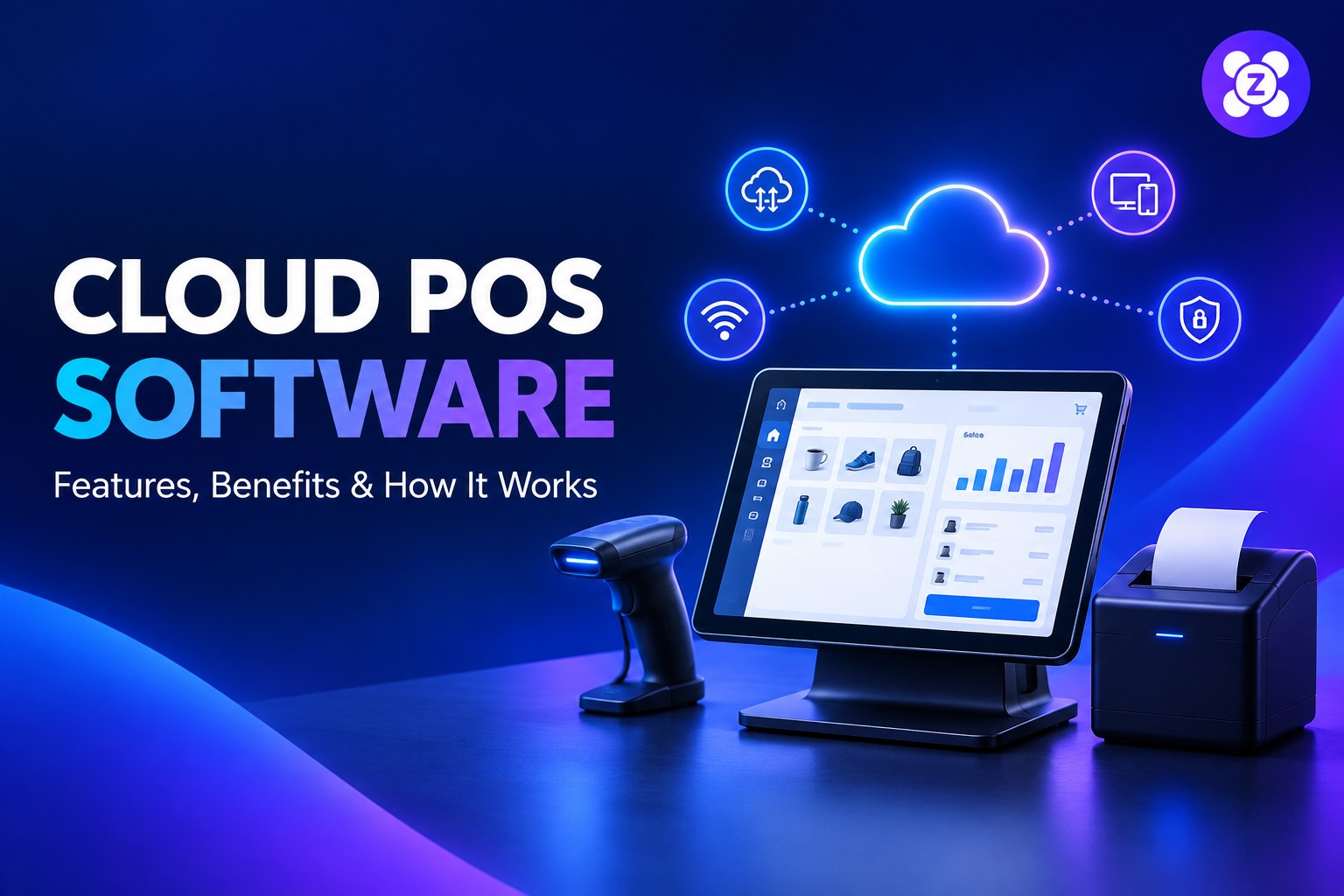
What Is Cloud POS Software?
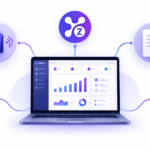
Cloud POS software is a point-of-sale system that stores and processes business information using cloud-connected services. Depending on the product, staff can access sales tools from supported devices, while authorized owners can review reports without being tied to one checkout computer.
Cloud POS does not automatically mean that every feature works without the internet. Offline capability varies by provider, so businesses should confirm which actions remain available during a connection outage and how data synchronizes after reconnection.
How Does a Cloud POS System Work?
- Ring up a sale: Staff select products or services and create a transaction in the POS interface.
- Update business records: The system records the sale and updates supported stock and reporting information.
- Keep authorized users connected: Depending on permissions and the plan, owners or managers can review information from supported devices.
- Review performance: Reports help businesses understand sales activity, inventory movement and daily operations.
Key Features to Look for in Cloud POS Software
1. Fast billing and checkout
A clear checkout screen helps staff process transactions accurately. Look for a product search, understandable cart controls, discounts where needed, and a receipt workflow that fits your business.
2. Inventory management
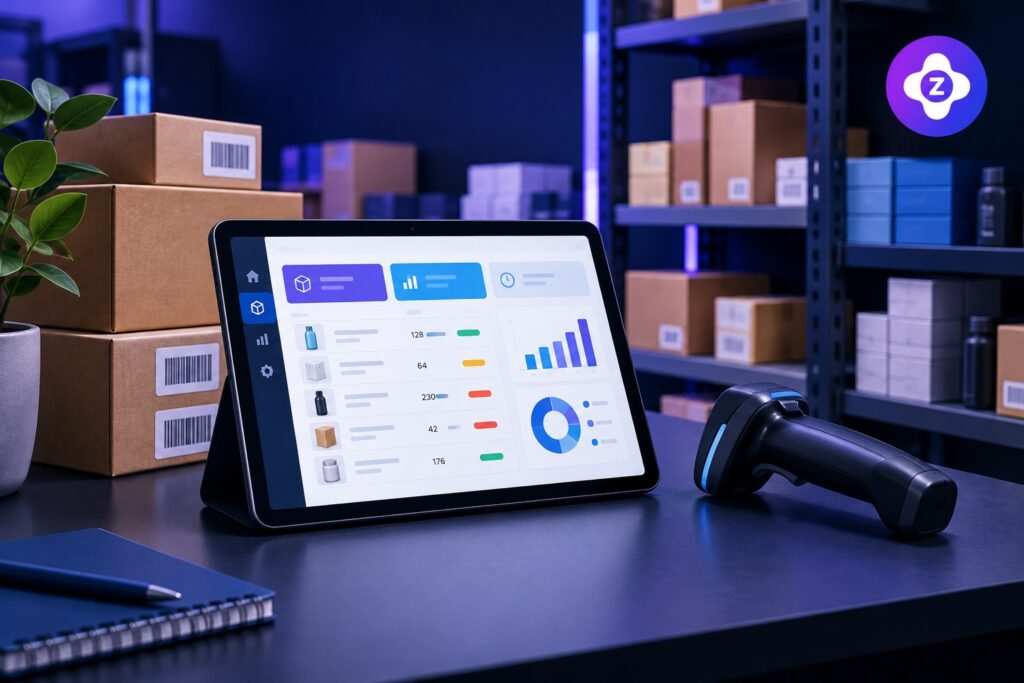
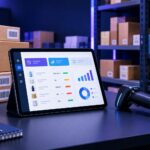
Inventory tools can help track available quantities, identify low stock and reduce manual record keeping. Before choosing a system, check how it handles product variants, stock adjustments, returns and inventory reports.
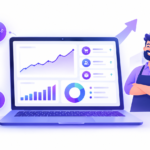
3. Sales reports and analytics
Useful reports should make it easier to review sales by date, product or other available categories. Check whether the reports answer the questions you regularly ask, such as which items sell best and how daily sales compare.
4. Staff accounts and permissions
Individual staff accounts and role-based permissions can help owners control who can view reports, change settings or perform sensitive actions. Confirm which roles and account limits are included in the plan.
5. Online and offline operation
Reliable internet is important for many cloud features, but outages happen. Ask the provider which functions work offline, whether payment processing is affected, what data is stored locally, and how synchronization is handled when the connection returns.
6. Device compatibility
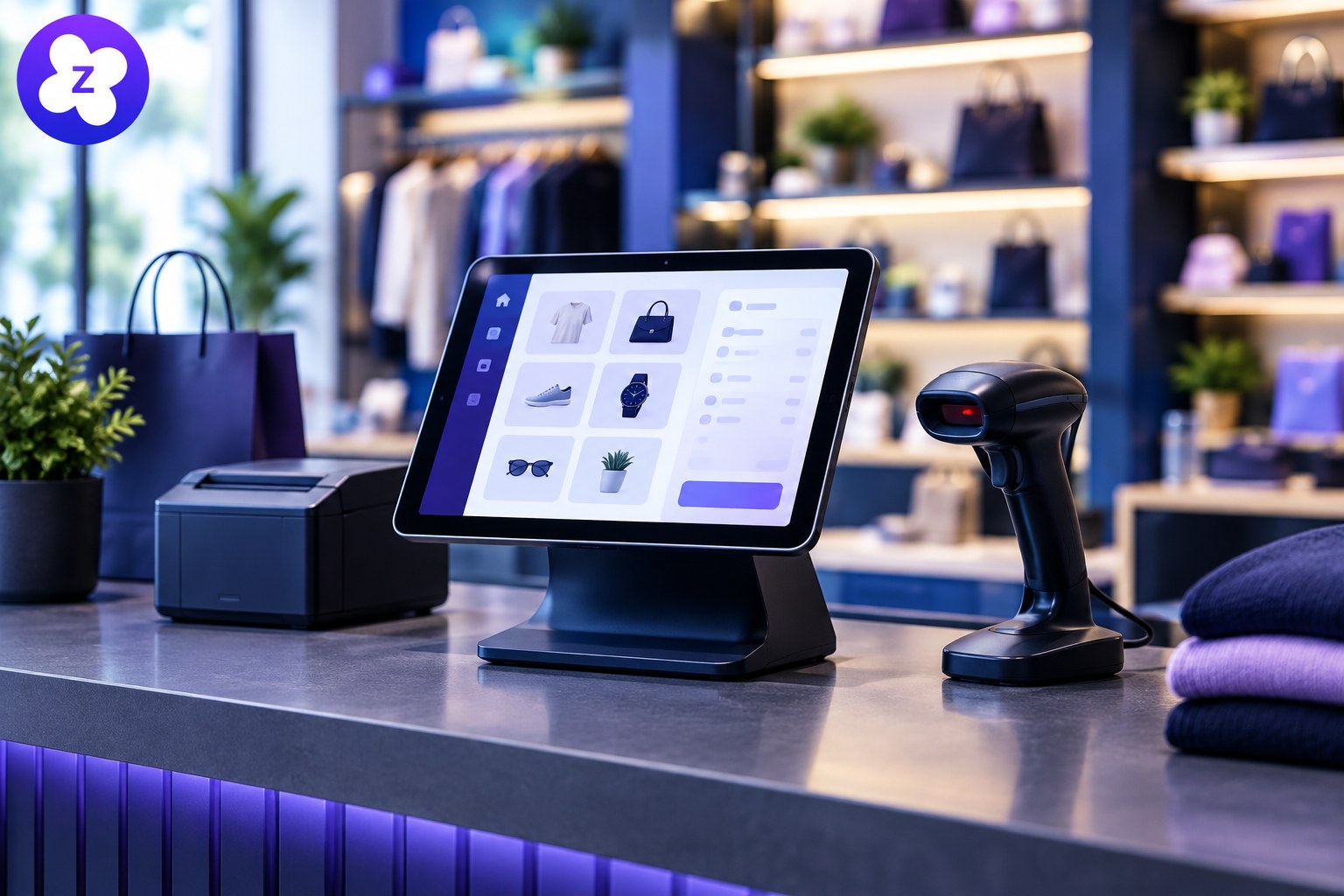
Check that the POS works on the computers, tablets, browsers, printers, scanners and other devices your team already uses. Test the actual hardware and workflow before committing to a long-term plan.
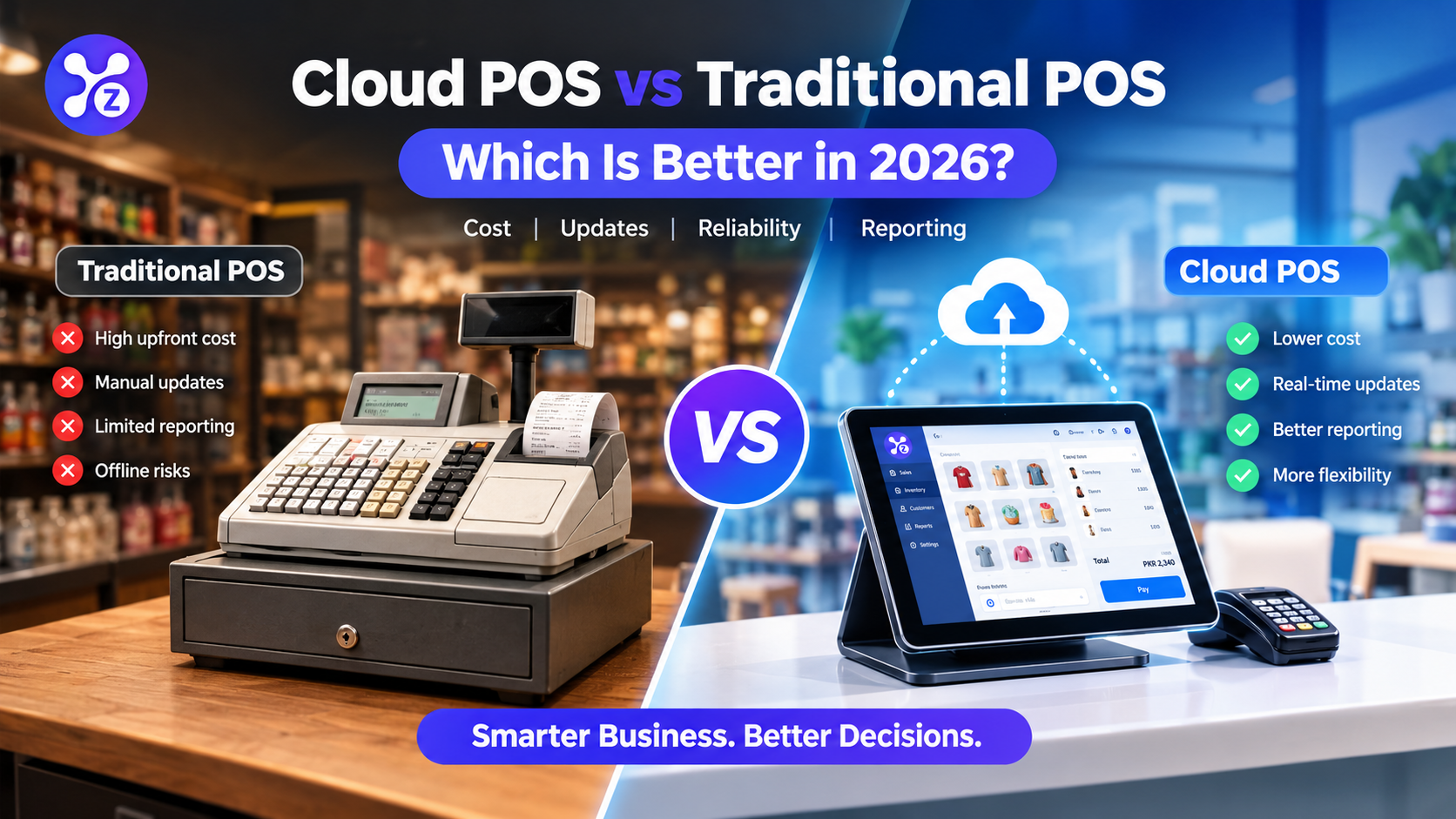
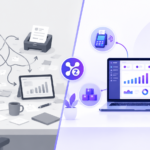
Cloud POS vs. Traditional POS: What Is the Difference?
| Consideration | Cloud POS | Traditional on-site POS |
|---|---|---|
| Access | May support authorized access from multiple supported devices | Often centered on locally installed equipment |
| Updates | Provider may deliver updates centrally | May require local installation or maintenance |
| Reporting | Can make remote reporting easier, depending on the plan | Remote access may need additional configuration |
| Internet dependency | Cloud features usually need connectivity; offline support varies | Some local functions may continue without internet |
| Costs | May use a subscription or other recurring pricing | May involve upfront licensing, hardware and maintenance |
Neither model is automatically best for every business. Compare the total cost, required hardware, support, connectivity, security and the specific features your team needs.
Benefits for Small Businesses
- Less manual work: Connected sales and inventory records can reduce repeated data entry.
- Better visibility: Owners can review supported reports without waiting for end-of-day spreadsheets.
- Room to grow: A suitable platform may let you add staff, products or workflows as needs change.
- More informed decisions: Accurate reports help identify patterns and operational problems earlier.
These benefits depend on correct setup, staff training, data quality and the features included in the chosen product.
How to Choose the Right Cloud POS
Use this checklist when comparing providers:
- List your must-have checkout, inventory and reporting features.
- Confirm offline behavior and test it during a realistic scenario.
- Check device and receipt-printer compatibility.
- Review user permissions, backups, data export and security practices.
- Calculate the full cost, including subscriptions, hardware, payment fees, support and onboarding.
- Ask how support works and how you can export your records if you change providers.
- Use a trial or demonstration to test your real daily workflow before purchasing.
Explore Zolva for Your Business
If you are comparing business software for sales, billing, inventory and reporting, explore Zolva’s main website to review the available product information and decide whether it fits your workflow. Check the current feature list and trial terms directly on the site before making a decision.
For more guidance, read our related articles: POS system checklist for small businesses, cloud POS vs traditional POS, and inventory management software.
Frequently Asked Questions
Does cloud POS software require the internet?
Cloud-connected features usually need an internet connection. Some products support selected offline actions, but the available features differ, so verify the provider’s offline mode before choosing a system.
Is cloud POS suitable for a small business?
It can be a good fit when its features, costs, support and hardware requirements match the business. Compare real workflows rather than choosing based on the label alone.
Can cloud POS software manage inventory?
Many systems include inventory tools, but capabilities vary. Check stock adjustments, product variants, low-stock alerts, returns and reporting before deciding.
What should I test during a free trial?
Test a typical sale, receipt printing, inventory updates, staff permissions, reports and what happens if the internet disconnects. Also confirm how you can export your data.
Final Thoughts
The best cloud POS is the one that fits your day-to-day operations and remains dependable as your business grows. Compare the feature set, offline behavior, total cost, support and data controls, then test the system before committing.