
Learn which restaurant POS system features matter for cafés and restaurants, including order entry, menus, payments, inventory, reporting and hardware.
A restaurant POS system should help staff take orders accurately, keep service moving and give managers a clearer view of sales. Restaurants, cafés and quick-service businesses have different workflows, so the best choice is the one that matches your menu, service style, equipment and reporting needs.
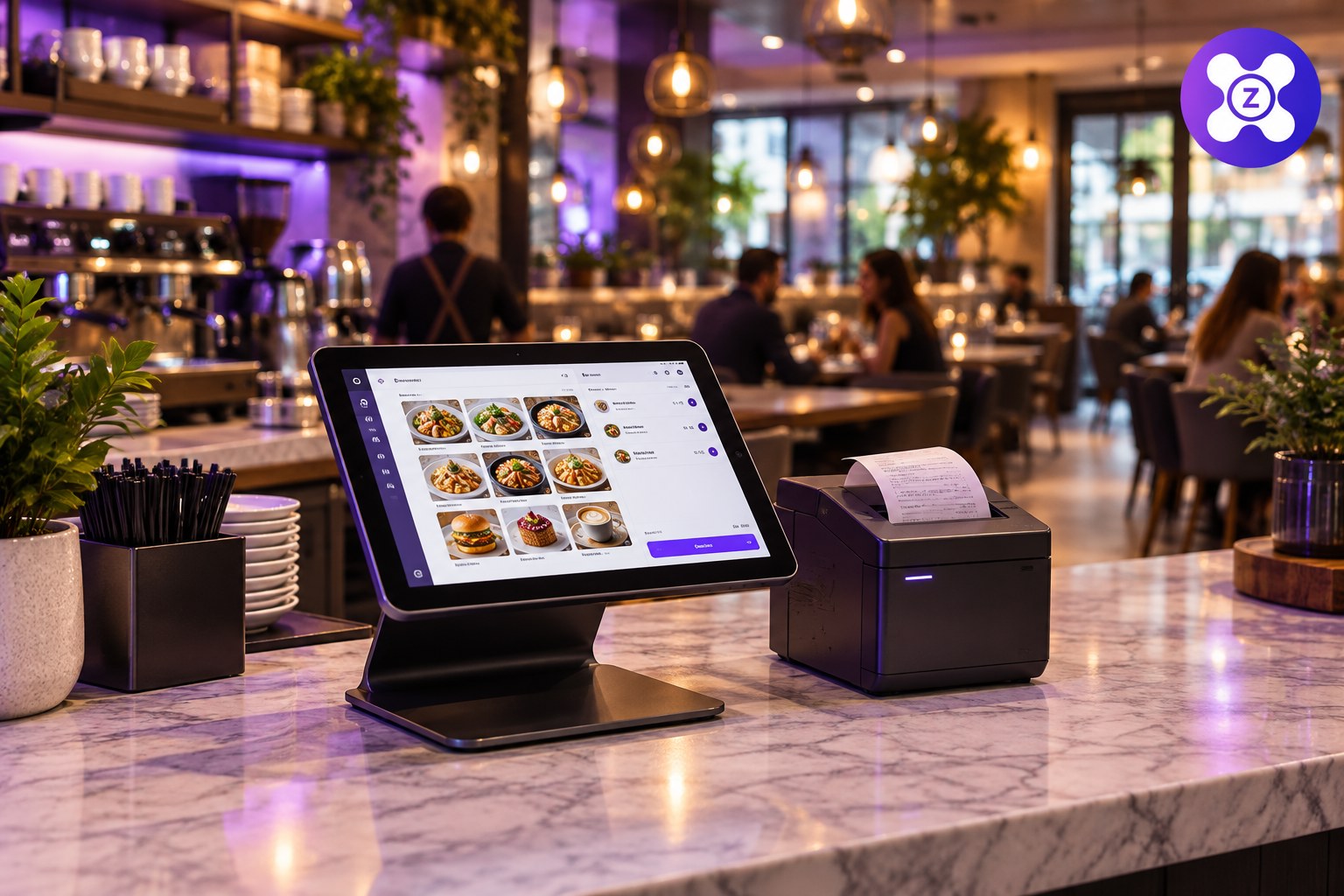
What Is a Restaurant POS System?
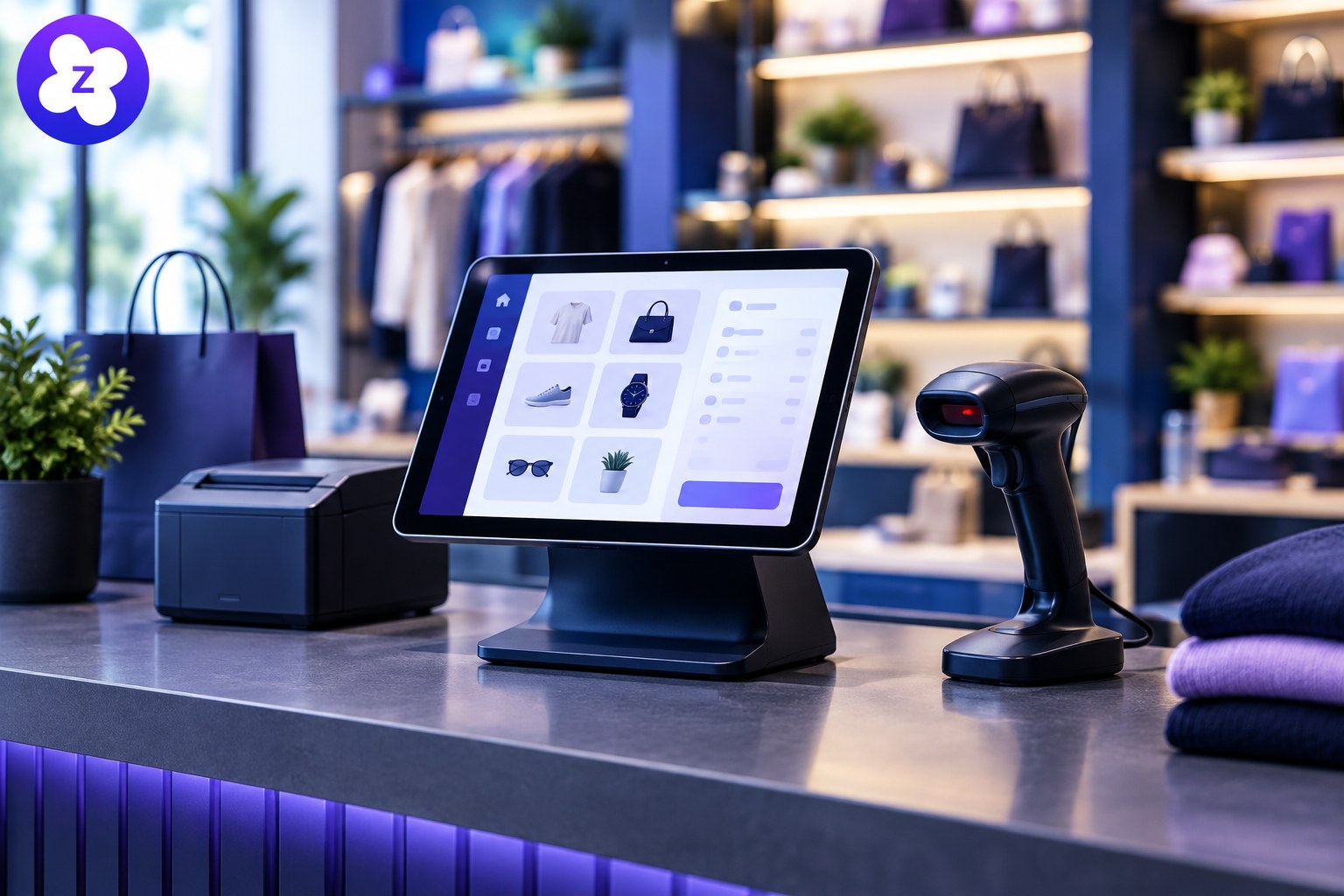
A restaurant point-of-sale system records orders and sales. Depending on the product, it may also support menu management, receipts, table workflows, discounts, staff permissions, inventory and reports. Not every POS includes restaurant-specific features, so check the actual feature list before choosing.
Important Restaurant POS Features
1. Simple order entry
Staff should be able to select menu items, change quantities and add permitted modifiers clearly. Test common orders and special requests to see whether the interface reduces mistakes during a rush.
2. Menu and price management
Look for an easy way to update prices, mark unavailable items and manage menu categories. If your menu changes by time or location, confirm that the system supports your specific setup.
3. Payment and receipt workflow
Check supported payment methods, receipt options, refunds and transaction records. Payment availability varies by country and provider, so verify local support and all applicable processing fees.
4. Sales reporting
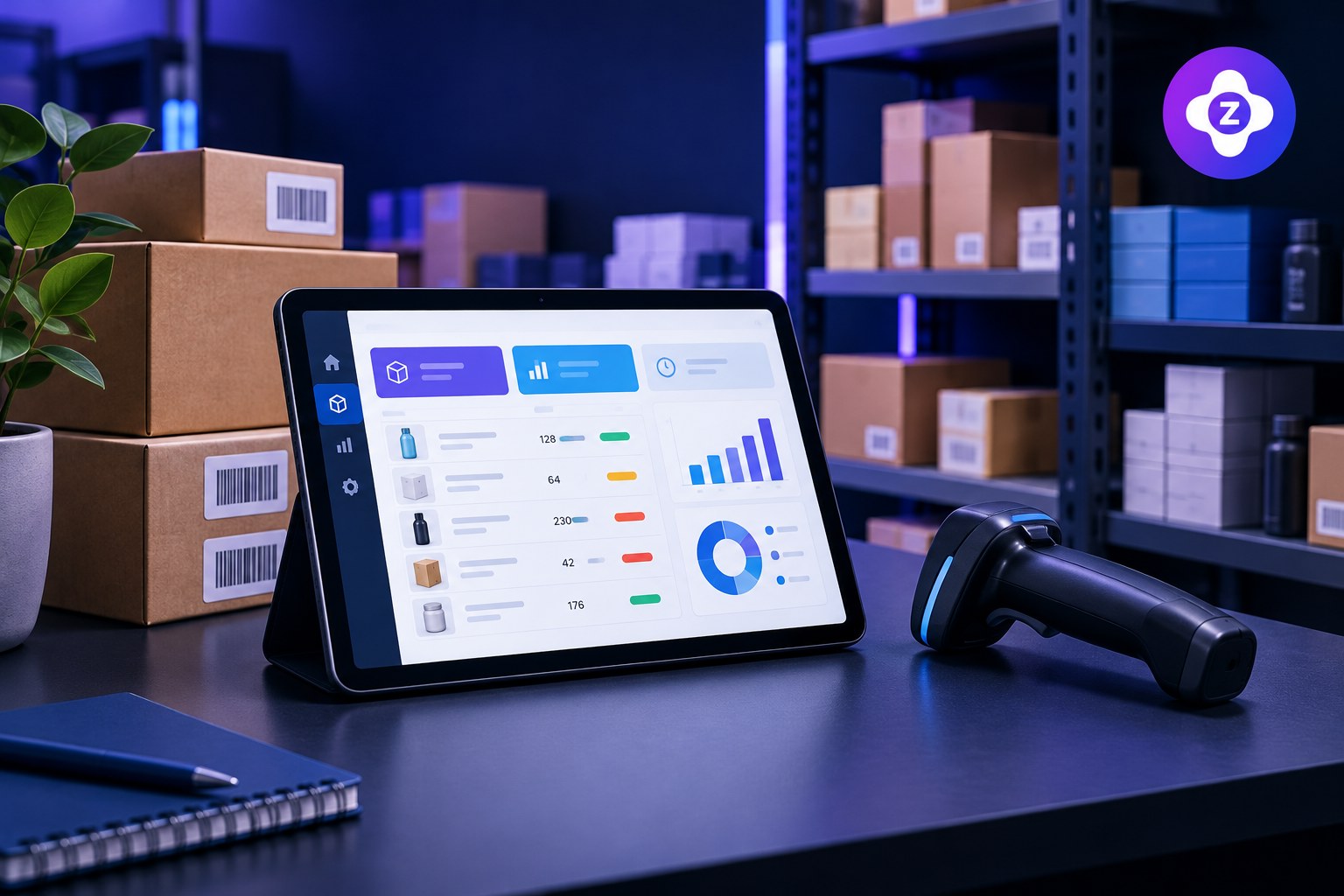
Reports can help you compare busy periods, popular items and daily sales totals. Ask for sample reports and verify whether they can be filtered in ways that matter to your business.
5. Stock and ingredient visibility
Some restaurant systems offer ingredient-level stock or recipe costing; others only track products or sales. If ingredient depletion is essential, confirm it explicitly rather than assuming it is included. Our overview of inventory management software explains stock-control considerations.
6. Staff access and accountability
Staff accounts, role permissions and transaction records can support clearer processes. Check which actions can be restricted and what information appears in reports.
7. Hardware and connectivity
Confirm support for your tablets, computers, printers, cash drawer and network setup. If the system advertises offline mode, ask which functions remain available and how transactions synchronize when internet service returns.
Restaurant POS vs. General POS Software
| Need | What to verify |
|---|---|
| Menu ordering | Modifiers, item availability and menu updates |
| Table service | Table maps, moving orders and splitting bills if required |
| Quick-service counter | Fast item search, clear order queue and receipt workflow |
| Inventory | Product tracking versus ingredient or recipe-level tracking |
| Payments | Local payment support, fees and refund workflow |
| Reporting | Daily totals, item-level sales and useful date filters |
How to Evaluate a Restaurant POS Before Buying
- Write down the most common order types and service steps.
- Test a full order from entry through receipt and payment recording.
- Check how voids, discounts, refunds and staff permissions work.
- Verify your hardware and internet requirements.
- Ask about support, data exports, backups and pricing.
- Calculate total cost, including devices, onboarding and transaction fees.
For a wider buying framework, use our POS system checklist for small businesses and compare the differences explained in POS vs invoicing software.
Explore POS Options for Your Business
If you are evaluating business software for billing, sales, stock and reporting, visit Zolva’s main website to review the available product information. Confirm whether the features you need for restaurant service are currently supported before deciding.
Frequently Asked Questions
Does every restaurant POS track ingredients?
No. Some products support recipe or ingredient-level tracking, while others focus on sales and product records. Confirm the feature before purchasing.
Can I use a restaurant POS on a tablet?
Some systems support tablets, but compatibility depends on the software, operating system and connected hardware. Test your specific setup.
What should a small café look for in POS software?
Prioritize quick order entry, menu updates, receipts, useful reports, payment compatibility and a clear total cost.
Conclusion
A restaurant POS should fit the way your team serves customers. Test real orders, verify restaurant-specific requirements and compare total costs and support before selecting a system.