
Learn how POS inventory management connects sales and stock records, prevent common inventory mistakes, and evaluate the features your business needs.
Accurate stock records help a business avoid selling products it does not have and buying items it cannot move. POS inventory management connects point-of-sale activity with stock records, but the exact automation depends on the software and how products are configured. This guide explains the basics and offers practical checks for choosing and maintaining a system.
What Is POS Inventory Management?
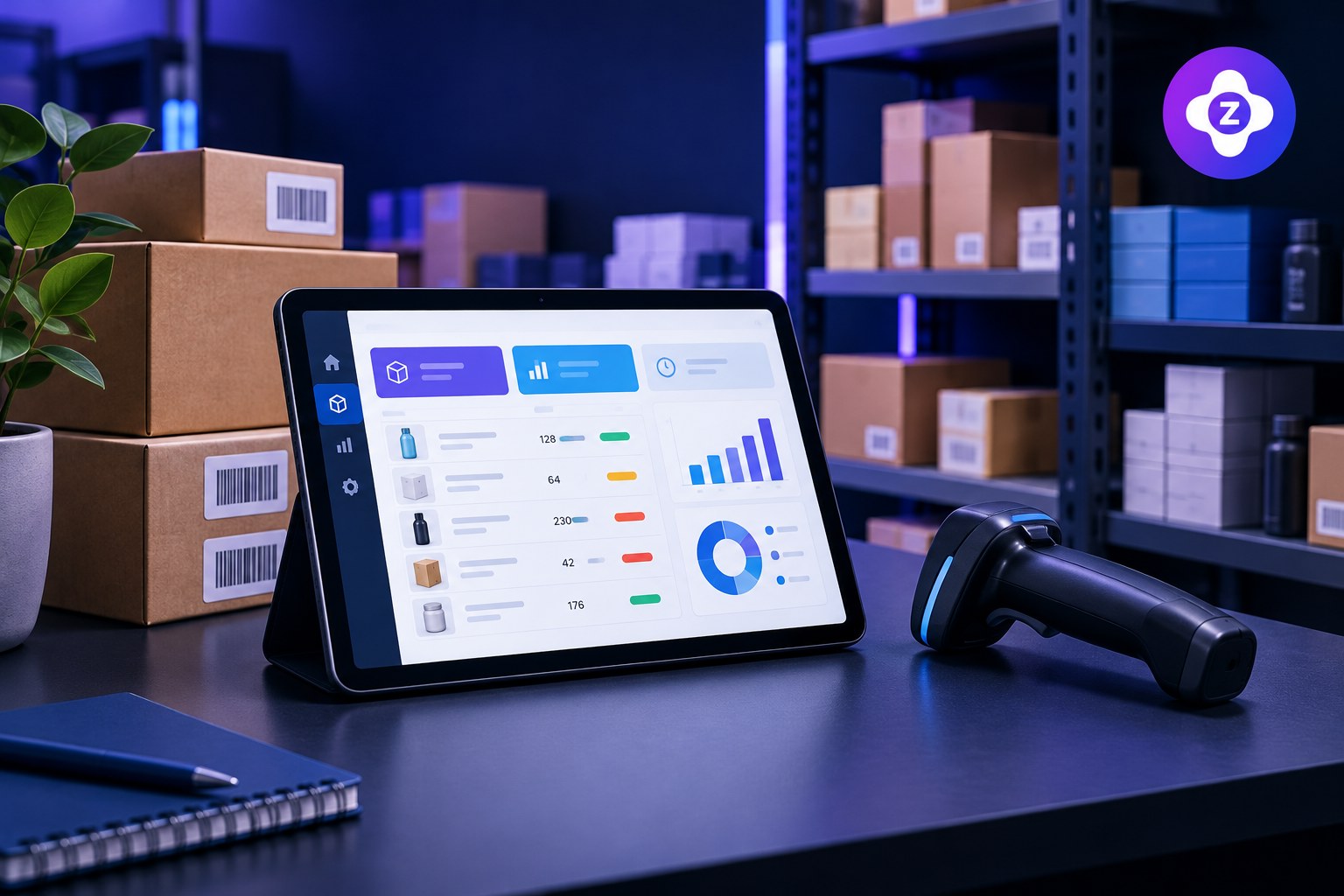
POS inventory management is the process of using point-of-sale transactions and related stock tools to maintain inventory records. In a connected workflow, selling an item can reduce its recorded quantity, while receiving stock or making an adjustment can increase or correct the balance.
POS inventory tools are not all alike. Some track finished products and variants; more advanced systems may support purchase orders, suppliers, batches, locations or ingredient-level tracking. Confirm what your chosen system actually includes.
Why Inventory and POS Data Should Work Together
- Fewer manual updates: Connected records can reduce repeated entry after each sale.
- Better stock visibility: Staff can check recorded quantities before promising availability.
- More useful reports: Sales and stock information can help identify fast- and slow-moving items.
- Improved purchasing decisions: Consistent records make it easier to spot items that need replenishment.
5 Steps to Improve POS Inventory Accuracy
1. Set up products consistently
Use clear product names, unique identifiers where appropriate, correct prices and carefully configured variants. Duplicate or inconsistent records make reports less useful.
2. Record stock received
When new goods arrive, enter quantities promptly and check them against supplier documents. Decide who is responsible for receiving stock and correcting discrepancies.
3. Review returns and adjustments
Returned, damaged, missing or written-off items should follow a documented process. Otherwise, the system may show quantities that do not match the shelf.
4. Count important items regularly
Use cycle counts or scheduled stocktakes to compare physical quantities with recorded balances. Investigate repeated differences instead of simply adjusting the number each time.
5. Monitor low stock and sales patterns
Where supported, use low-stock thresholds and reports to plan replenishment. Thresholds should reflect lead times, sales patterns and storage limits rather than a single guess.
Common POS Inventory Mistakes
| Mistake | Practical improvement |
|---|---|
| Products entered more than once | Standardize names and identifiers before importing data |
| Stock received late in the system | Assign responsibility for receiving and recording deliveries |
| Returns not recorded consistently | Document the return, restock and damaged-item process |
| No physical stock checks | Schedule cycle counts for priority items |
| Assuming every sale deducts stock correctly | Test sale, refund, void and adjustment workflows |
What to Check in POS Inventory Software
Before adopting a product, confirm support for your product catalog, variants, purchase and receiving process, stock adjustments, returns, low-stock alerts, reports and data export. If you manage multiple locations or need batch tracking, verify those capabilities separately.
Read our more general guide to inventory management software and our POS system buying checklist for additional evaluation points.
Explore Zolva
If you are comparing tools for sales, billing and inventory workflows, visit Zolva’s main website to review available features and product information. Confirm the stock-management functions your business needs before choosing a plan.
Frequently Asked Questions
Does a POS automatically update inventory?
Many POS systems can update recorded stock after a sale, but setup and feature coverage vary. Test sales, returns, voids and adjustments to confirm the behavior.
How often should I count inventory?
There is no single schedule for every business. Many businesses count high-value or fast-moving products more frequently and conduct broader stocktakes on a planned schedule.
Can POS inventory management prevent stockouts?
It can help highlight low stock and improve visibility, but accurate records, sensible reorder levels and reliable supplier lead times are still necessary.
Final Thoughts
Good POS inventory management combines suitable software with consistent daily processes. Keep product records clean, record stock movements promptly and check system balances against physical stock to make reports more dependable.